











Jantaris
An app for desktop and phone
Keep Studio close. The same account, models and balance in a dedicated window.
Windows / Mac
- Open Jantaris in Chrome or Edge.
- Click the install icon on the right of the address bar. If it is absent, open the browser menu and look for the option to install this site as an app.
- Confirm installation. Launch Jantaris from its app icon.
Android
- Open Jantaris in Chrome.
- Open the three-dot menu. Choose “Add to Home screen” or “Install app”.
- Confirm. The app icon appears on your device.
iPhone / iPad
- Open Jantaris in Safari.
- Tap Share, then “Add to Home Screen”. Scroll the action list if needed.
- Keep the name Jantaris and tap Add.
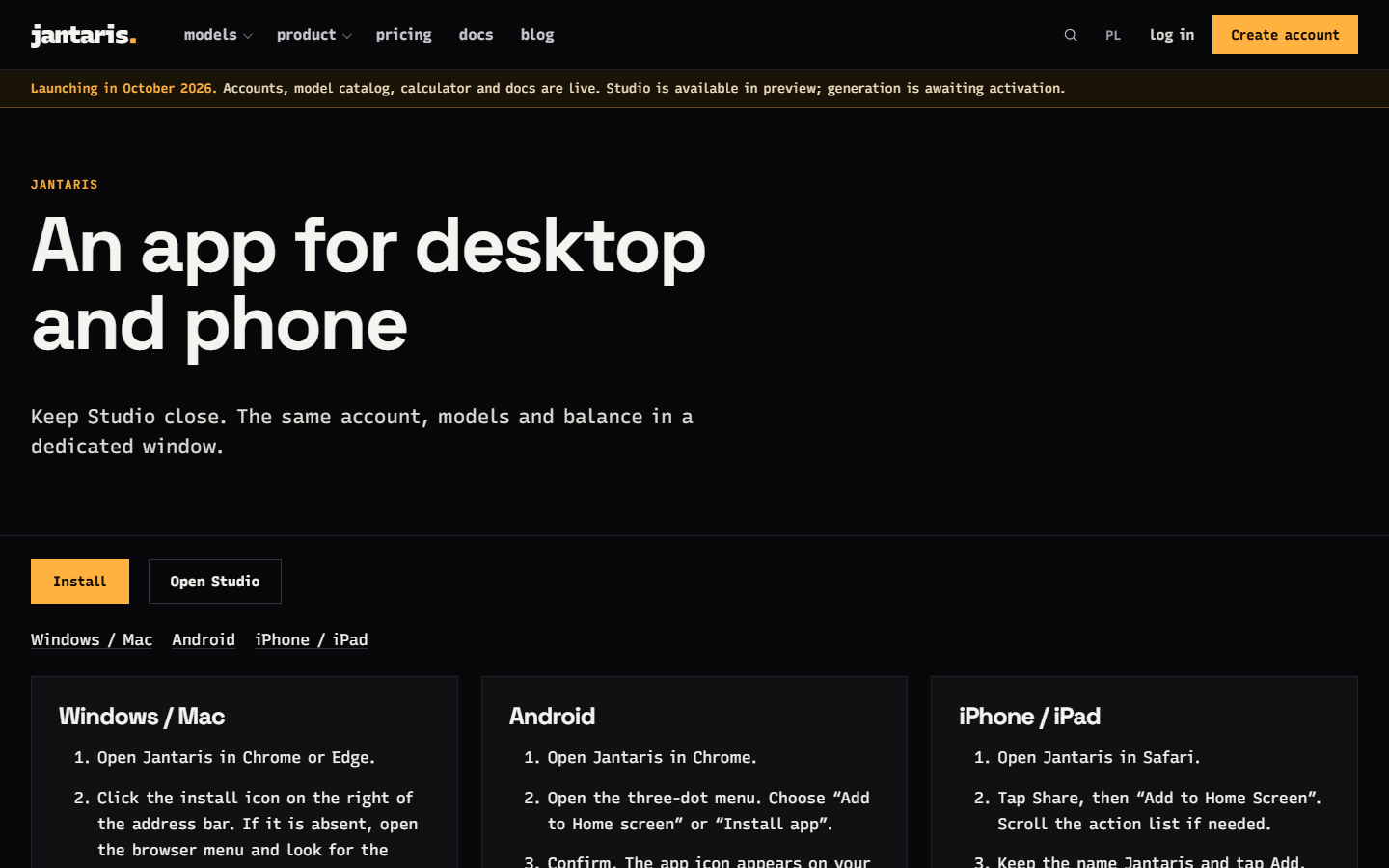
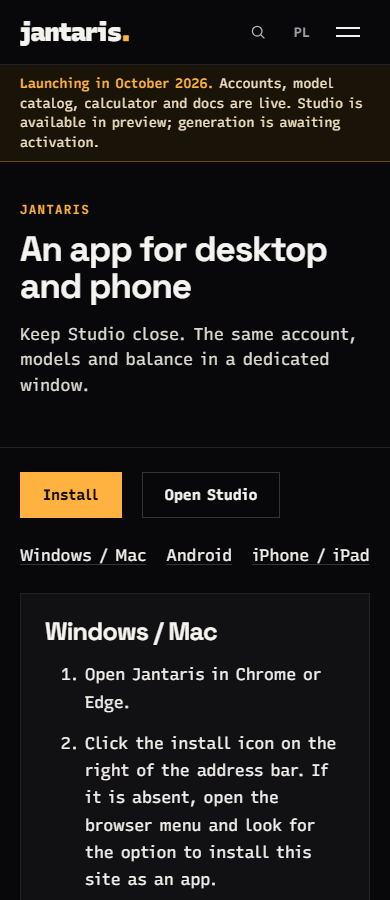
The site on your device
Our own page captures made with Playwright. Installation menus belong to the browser and vary by platform.
FAQ
Is this a regular app?
It is a progressive web app. It has an icon and its own window, with the same account and balance as the website. Install it from your browser without a store.
Does it work offline?
Generation, history and your account require a connection. Offline, a retry screen helps you reconnect.
Will it notify me when a video is ready?
After your first generation, you can allow notifications. Where supported, they cover tasks started in this tab while it is in the background. We do not send push notifications after you close the app.
How do I uninstall?
On a phone, press and hold the icon and remove the app. On desktop, use the app menu or your system app settings. Your account and balance remain available.