images
Animated GIF from AI - GPT Image 2.6 via API (my test)
How to make an animated GIF with GPT Image 2.6: the settings that worked in my test (8 frames, 512x512), the 1024 px error, Python code and the price.
 Piotr Olszewski2026-11-073 minPolski
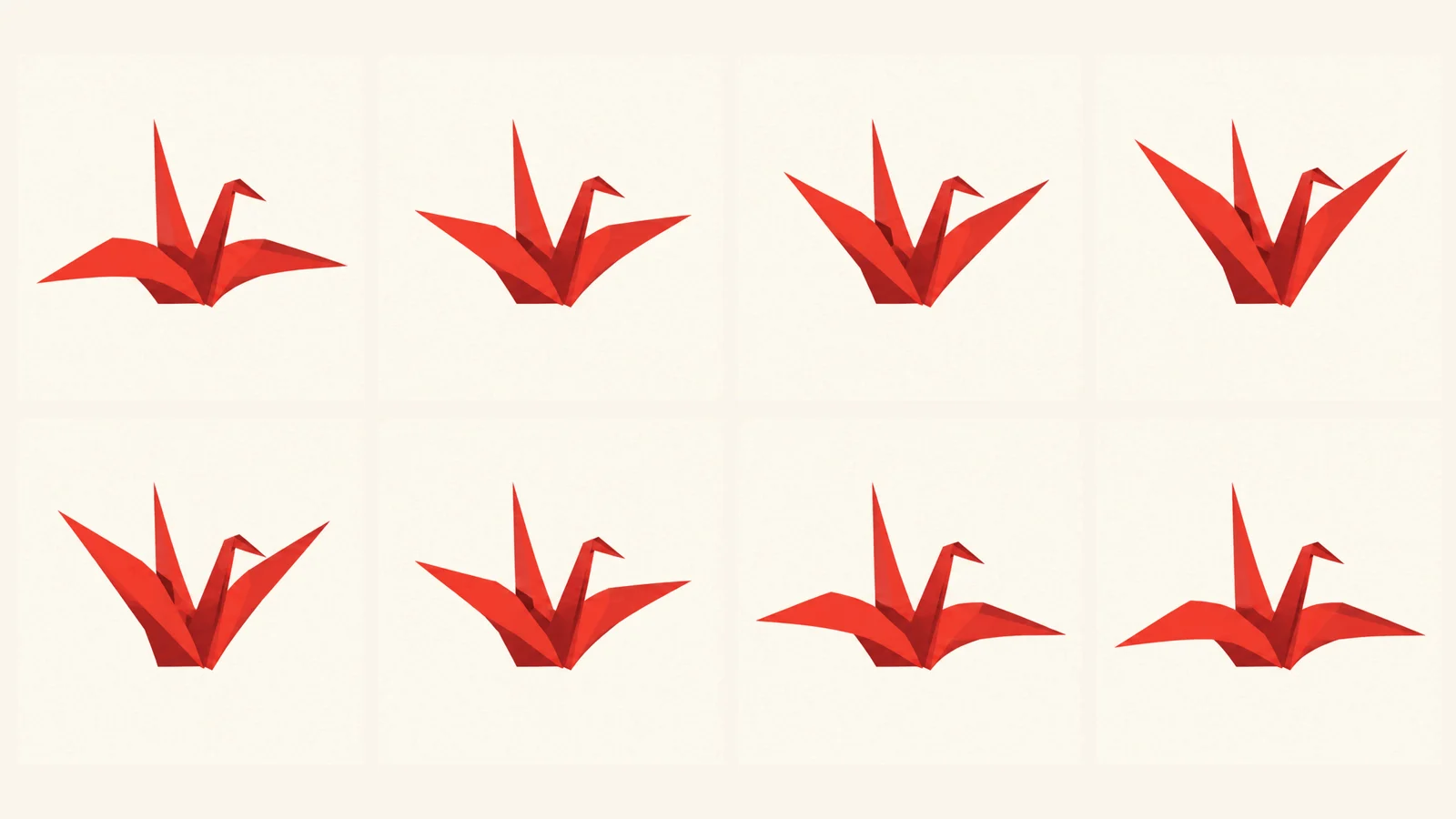
GPT Image 2.6 is the first OpenAI image model that returns a finished animated GIF. Not a video, not a set of frames to stitch yourself - one .gif file with a loop. I tested it on real calls before adding the option to the model page. Below: the settings that work, one error you will hit right away, and code to copy.
What came out of my test
The prompt was deliberately simple: a paper crane flapping its wings in a seamless loop on a flat cream background. Two runs:
| Settings | Result | File size |
|---|---|---|
| 512x512, 4 frames, 140 ms | smooth, short loop | about 210 KB |
| 512x512, 8 frames, 140 ms | smooth loop, full wing motion | about 310 KB |
| 1024x1024, 6 frames | rejected before generation | - |
The last row is the key lesson. The model draws all frames on one sheet and then cuts it into frames. The sheet edge cannot exceed 3840 px, so six 1024 px frames do not fit and the job fails. On Jantaris a failed job costs nothing, but it wastes time - stay at 512x512 for GIFs.
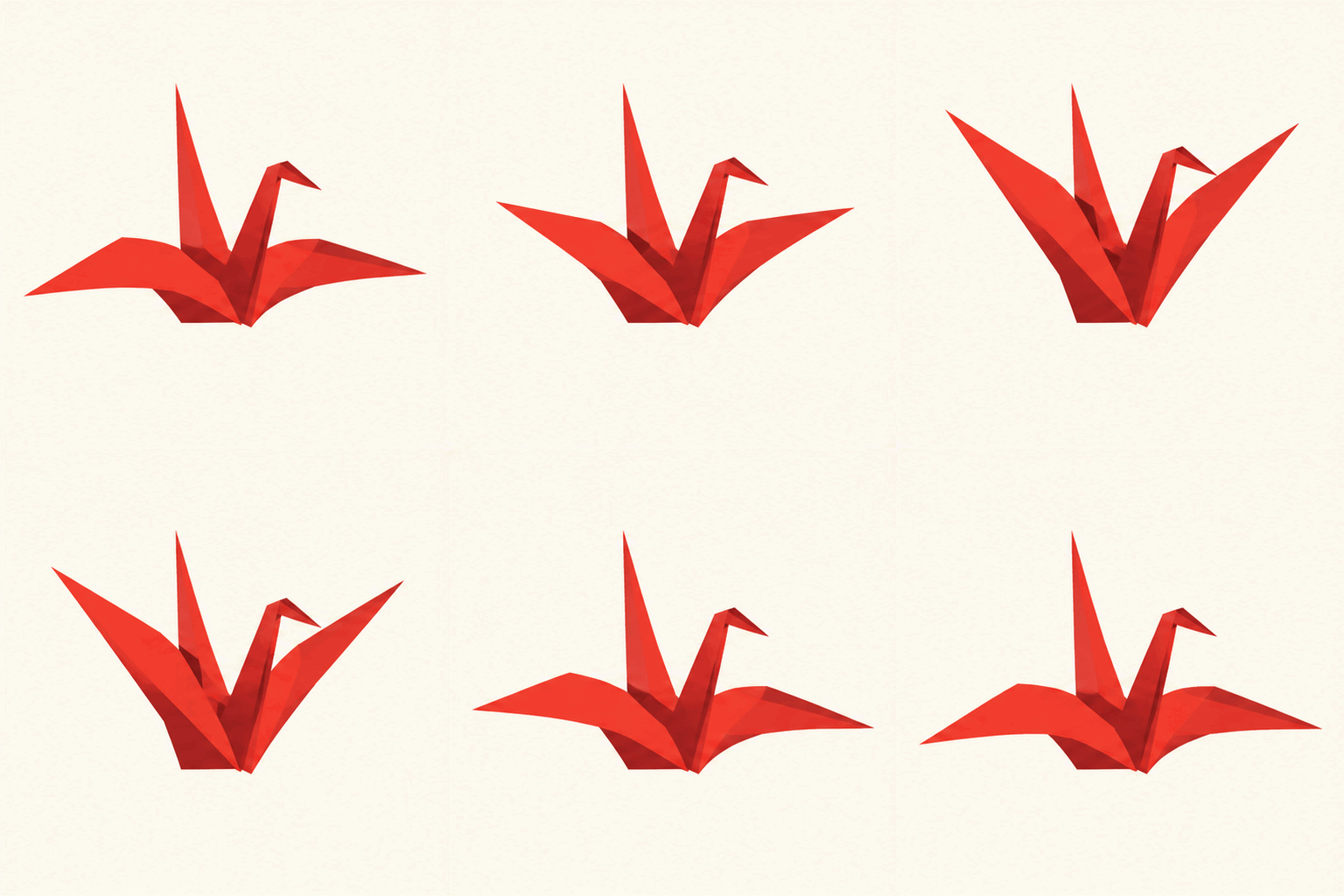
The finished 8-frame file:
Settings I recommend
output_format:gif- without it you get a still image.aspect_ratio:512x512- on Jantaris this field carries the pixel size.frame_count: 4-8. More frames means smoother motion and a bigger file.frame_duration_ms: 120-160. Below 100 ms the motion gets jittery.quality:mediumis enough, since a GIF has a limited palette anyway.
Prompting for a GIF
- One motion that returns to its start: flapping, swaying, blinking light, rotation.
- A flat background. A detailed one gets redrawn differently on every frame and the loop flickers.
- End the prompt with "seamless loop" so the last frame matches the first.
- No text in the frame - lettering can change between frames.
Python code
import os
import requests

API = "https://jantaris.com/v1"
HEADERS = {"Authorization": f"Bearer {os.environ['JANTARIS_API_KEY']}"}

r = requests.post(
    f"{API}/generate",
    params={"wait": 90},
    headers=HEADERS,
    json={
        "model": "gpt-image-2.6",
        "input": {
            "prompt": "A red paper crane flapping its wings in a seamless loop, "
                      "flat cream background, simple shapes",
            "aspect_ratio": "512x512",
            "output_format": "gif",
            "frame_count": 8,
            "frame_duration_ms": 140,
            "quality": "medium",
        },
    },
    timeout=150,
)
task = r.json()
if task["status"] == "succeeded":
    gif = requests.get(task["output"][0]["url"], timeout=60).content
    open("crane.gif", "wb").write(gif)
    print("saved, cost:", task["cost"])
else:
    print(task["status"], task.get("error"))
If the job is not done within 90 seconds you get its id with status running - poll GET /v1/tasks/{id} as in the async webhooks guide. No code needed in Jantaris Studio: pick GPT Image 2.6 and set the format to GIF.
What it costs
A GIF costs the same as one image: $0.0575 per image. The frame count does not change the price, and a failed job like the 1024 px one is free. For long edit chains there is GPT Image 2.6 Sunburst; for real video with camera motion, use a video model such as Seedance 2.5.
FAQ
Can GPT Image 2.6 animate my own photo?
Yes - add it in image_urls and describe only the motion that should repeat.
How many frames at most?
From 2 to 16. At 512x512, 8 frames fit without trouble in my test; keep the size small for more.
Can it output SVG?
The model listing mentions SVG, but in my test OpenAI rejected that format for GPT Image 2.6, so Jantaris does not offer it yet.