











AI Product Photos for Your Store - Packshots and Lifestyle
AI product photos that keep your real product: reference images, white-background packshots, lifestyle scenes, consistent series, labels and cost per 100.
 Piotr Olszewski2026-10-028 minPolski
AI product photos for a store start from a photo of your real product passed as a reference image (image_urls in the API), with the prompt describing only the background, light and scene. Use a white background for product pages and marketplace main images, and lifestyle scenes for social and ads. The models built for this are the ones that take references: Nano Banana Pro (from $0.0747 per image, up to 14 images), GPT Image 2.5 ($0.0432 per image, up to 16) and FLUX.2 [pro] (from $0.0688 per image, up to 8). Below: how to keep a series consistent, what to do about labels, what my own tests got wrong and what 100 photos cost.
Rule one: show the product the customer will receive
Without a reference, an image model invents the product from scratch. Fine for a mood board, not for a product page, because customers buy what they see. So:
- product pages: always generate from a reference photo, then check shape, color, label text and what is in the box,
- ads and social: the scene can be invented, the product in it still has to match the real one,
- pre-production mockups: the only case where letting the model invent the packaging is fine, because it does not exist yet.
Your reference does not need to be professional. A sharp phone photo in daylight with the whole product in frame works. For complex shapes, add two or three angles.
Packshots on white
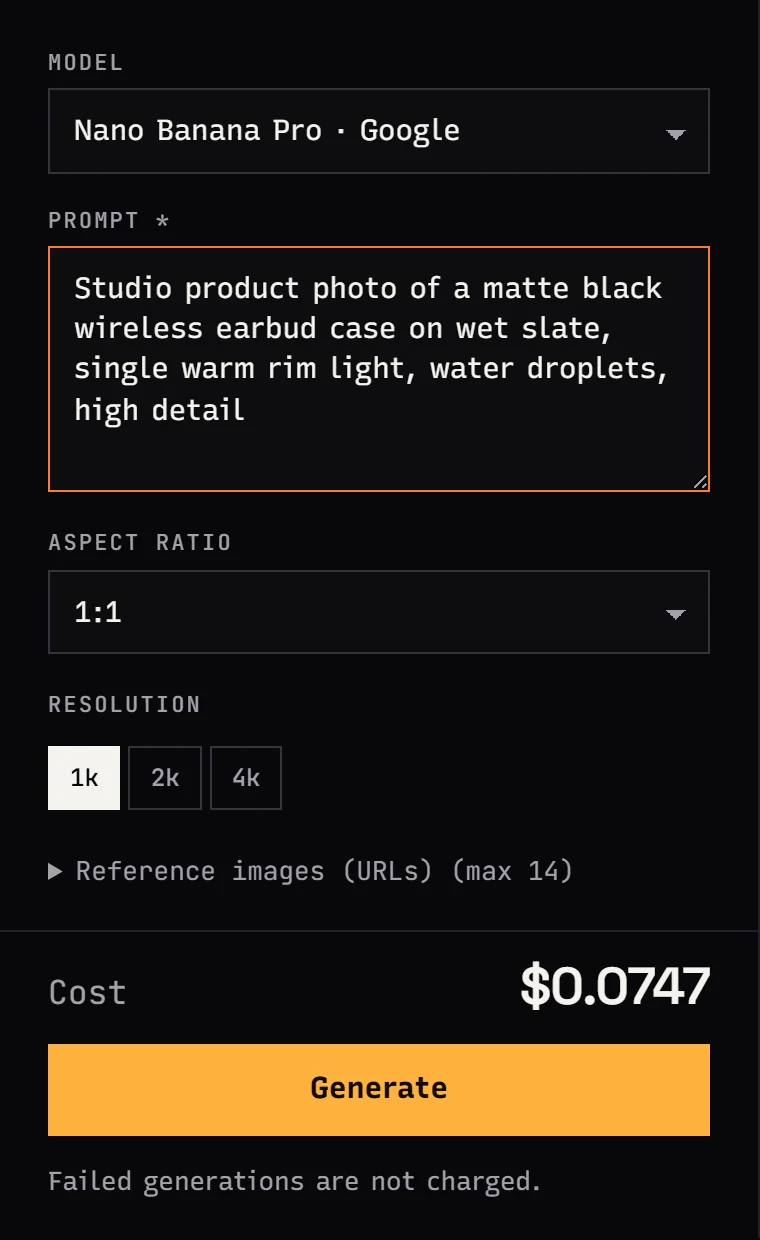
A packshot is the product alone, no props, usually on white. Amazon, for example, requires a pure white background on the main image. My starting prompt:
Packshot of this product on a pure white background, product centered and filling
about 80% of the frame, soft studio light from both sides, subtle shadow under
the product, no props, no other text, no logos
Notes:
- 1:1 is the safe ratio for most stores, 4:5 for Instagram feed posts,
- I always add
no other text, no logos, because models like to sprinkle in small print, - if you already have a decent product photo with a bad background, edit it instead of generating from scratch: FLUX.1 Kontext [pro] or GPT Image 2.5 with "replace the background with pure white, do not change the product".
Lifestyle shots: the product in a scene
Lifestyle images put the product in use or in a setting that sells a mood: coffee on linen, cream on a pedestal with dried flowers, a watch on a wet rock. More freedom for the model means more room for mistakes.
In a FLUX 3 Image test on my blog (FLUX 3 ads and packshots, in Polish) I generated 10 product visuals without references, one attempt per prompt. Every headline and main label came out spelled correctly, including Polish diacritics. The errors were in the details:
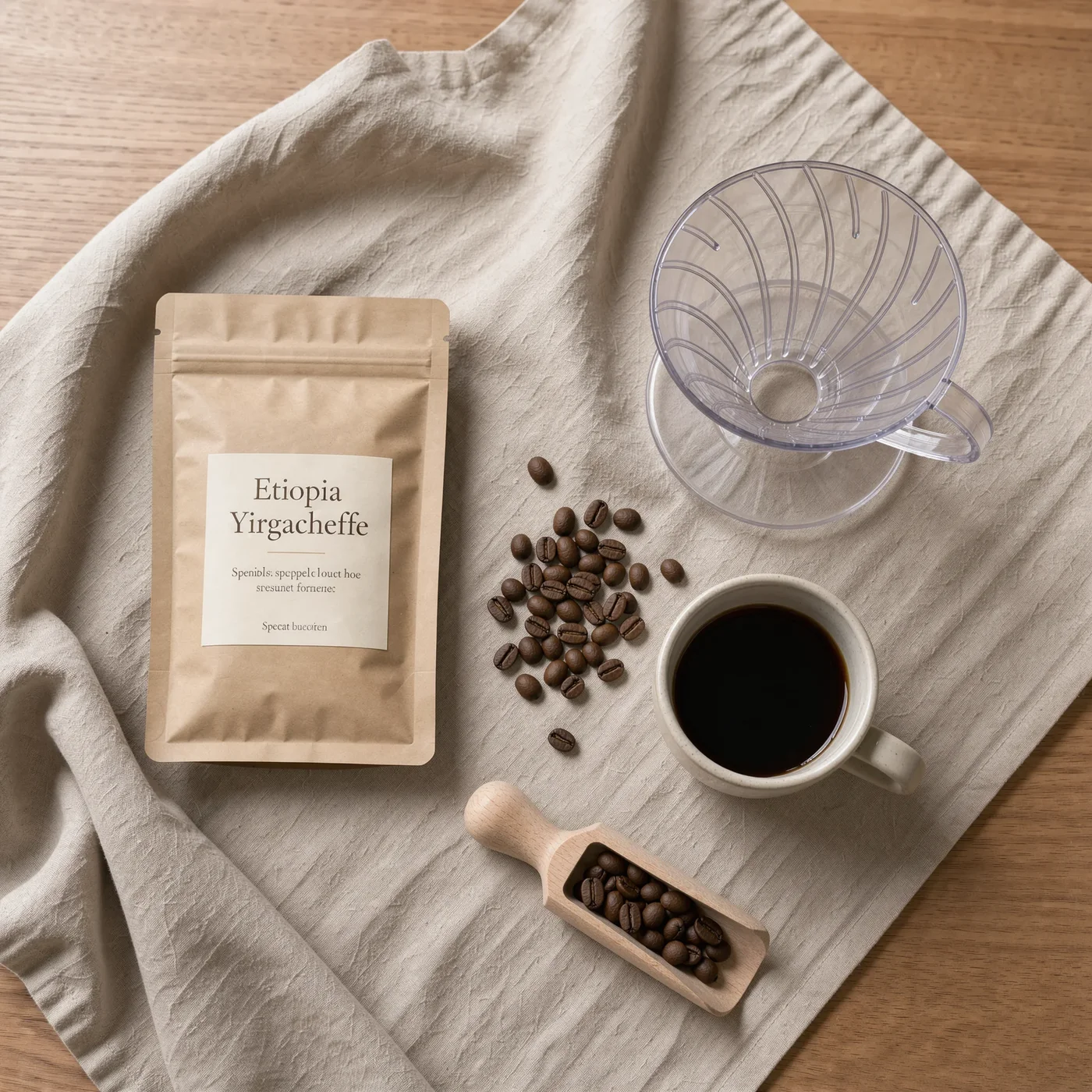

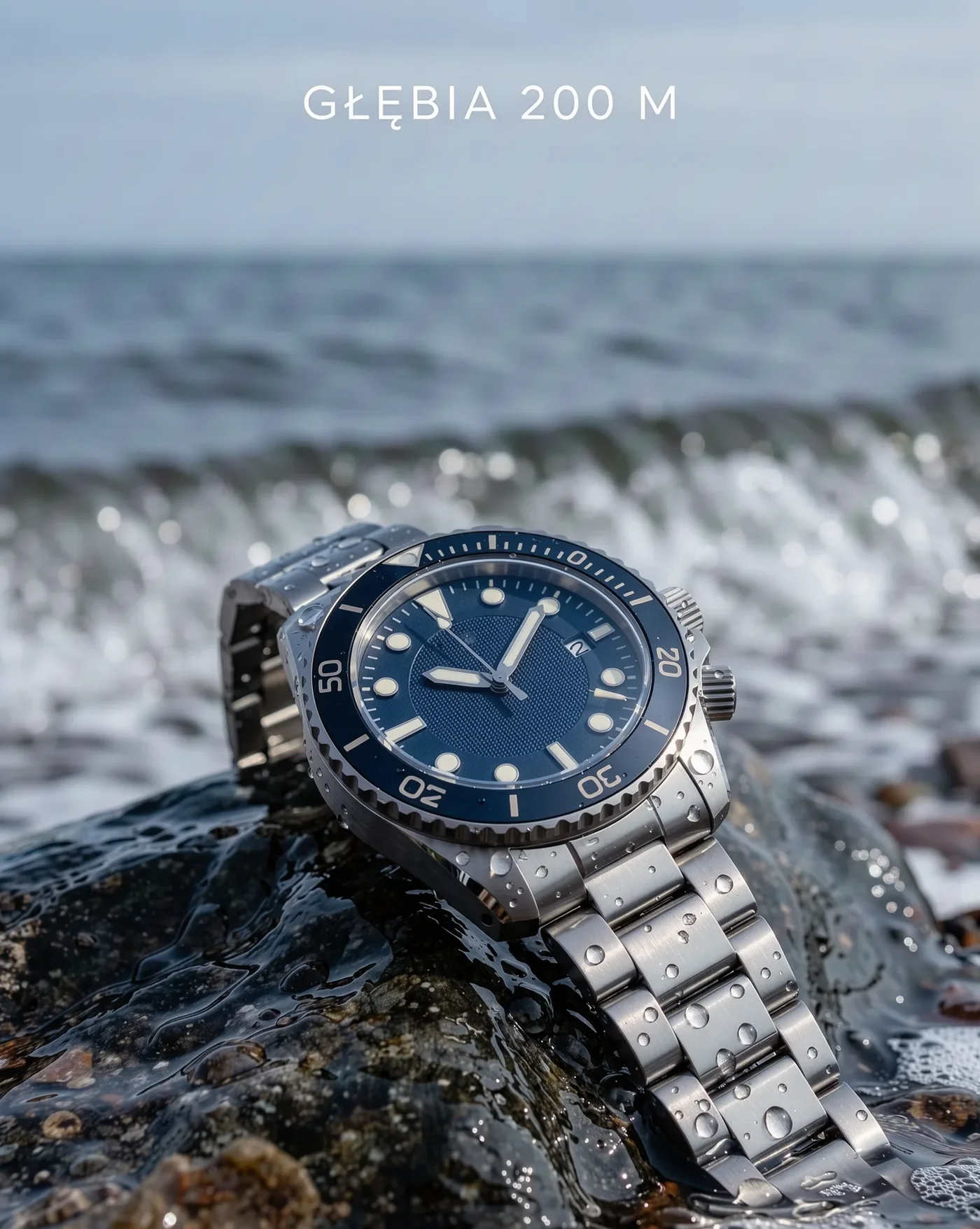
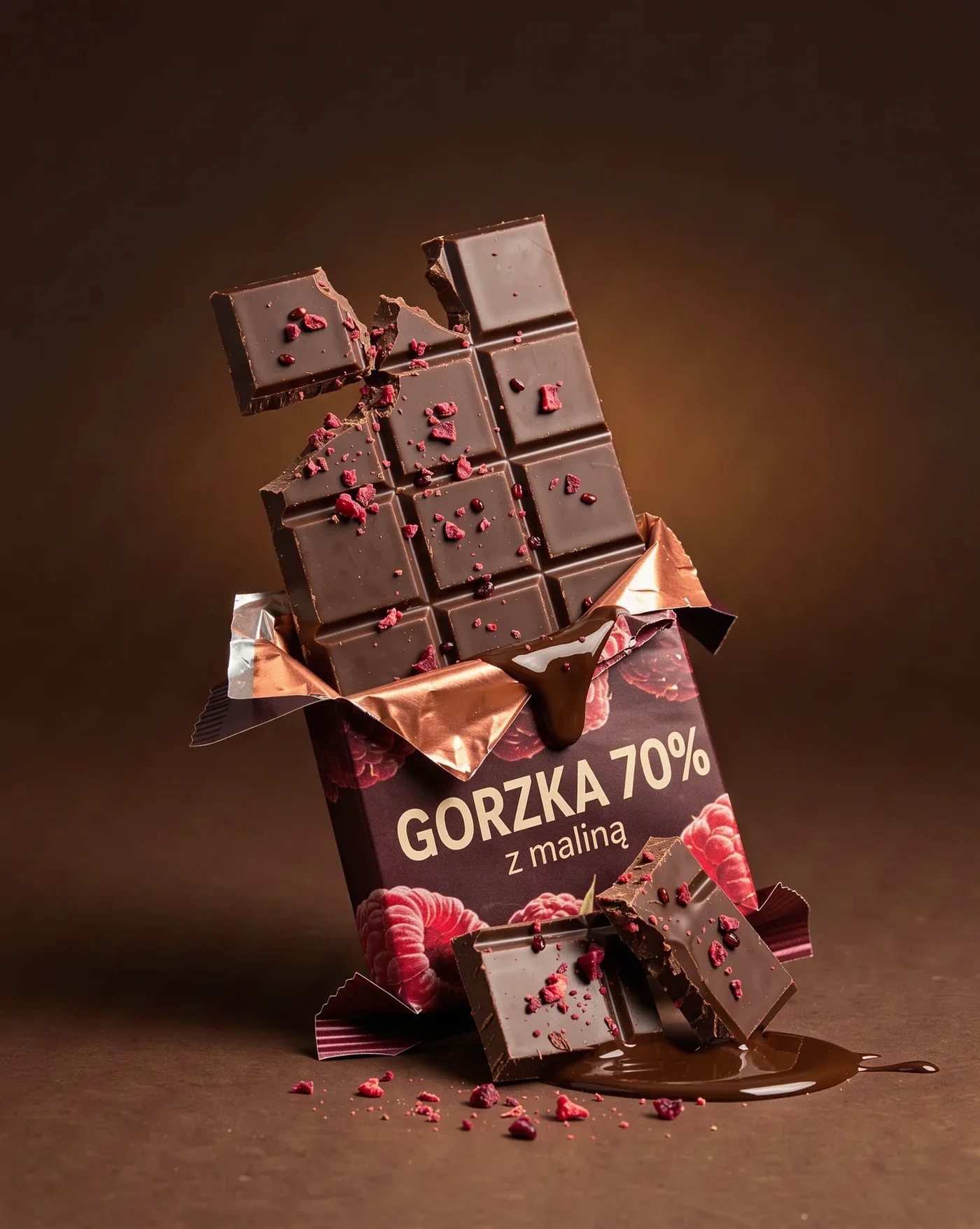
FLUX 3 Image was tested outside Jantaris; from the FLUX family you get FLUX.2 [pro] and Kontext here. The lessons apply to every image model I have tested:
- small print beyond the text you quoted is often gibberish,
- other brands' logos: in one image the model put a real brewery's label on the bottle, in another it drew marks resembling well-known shoe brands,
- mechanical details (watch bezels, clasps, button counts) need a zoomed-in check,
- packaging shape can be physically impossible unless a reference pins it down.
So for a real product I never generate the label. I pass the labeled product as a reference and say keep the product and its label exactly as in the reference image.
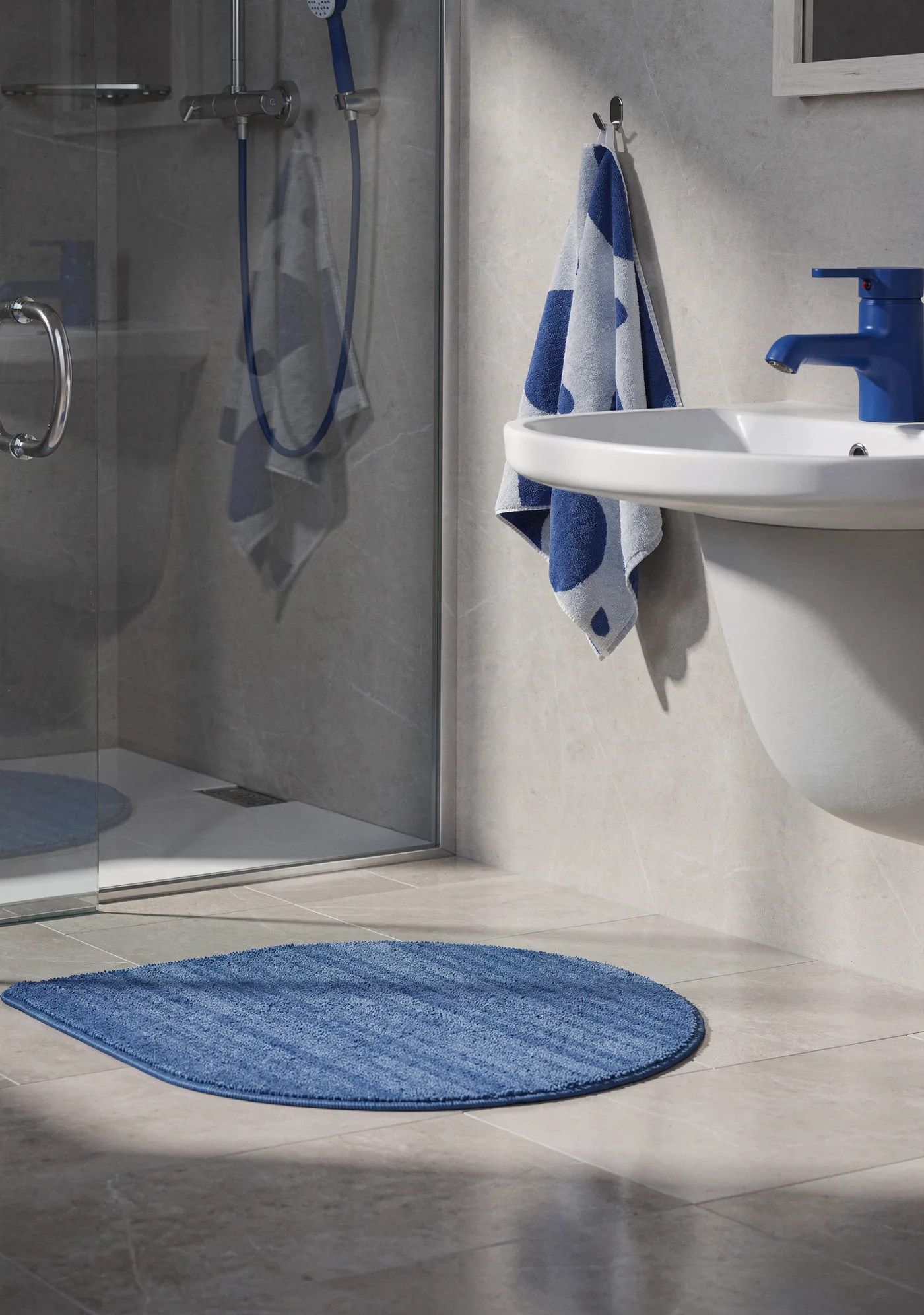
Black Forest Labs shows FLUX.2 building a scene from several product references:
Keeping a series consistent
A store looks professional when every photo shares background, light and framing. Models are random, so you have to force consistency:
- One prompt template. Only the product name changes; background, light, angle and framing stay word for word.
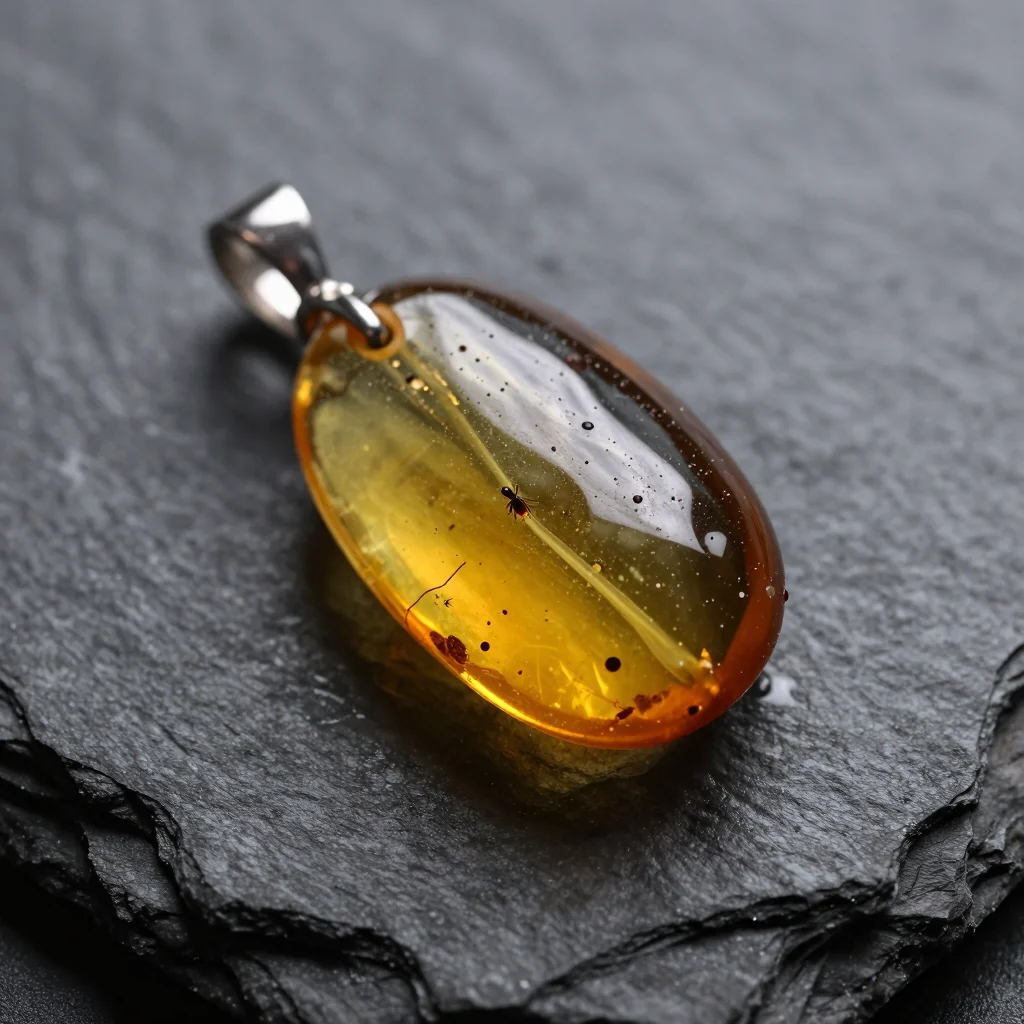
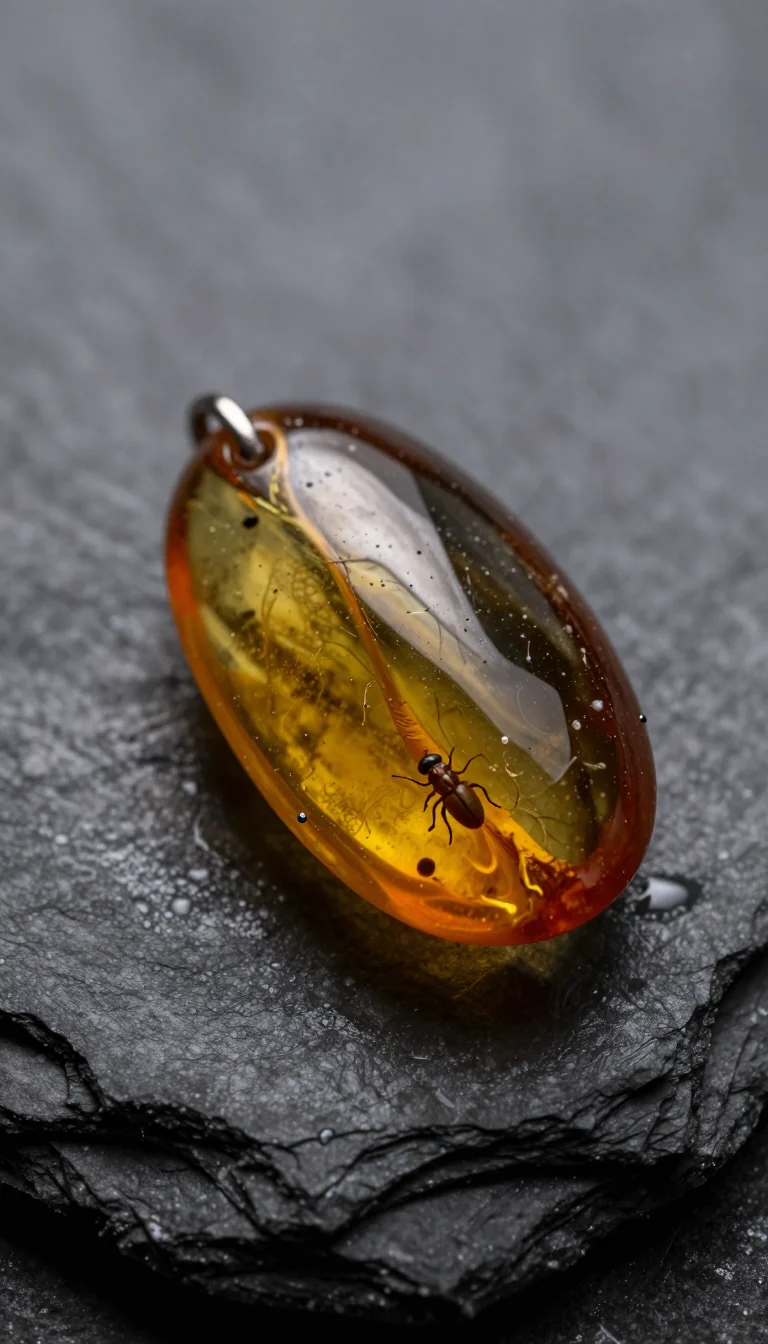
- One aspect ratio. Changing the ratio changes the whole image. In my Z-Image Turbo test the same prompt and seed produced two different pendants in square and vertical (images below the list).
- A reference frame. Add your first good shot as a second item in
image_urlsfor the next products, with "same background, lighting and camera angle as the second reference image". - Variants in one call. Nano Banana 2 and Seedream 5.0 Lite return up to 4 images per request (
num_images); Seedream 5.0 Lite generates them as a consistent series. - Seed where the model supports it (FLUX.1 Kontext [pro], FLUX.2 [max], Wan 2.7 Image) to repeat a layout that worked.
Which model for product photos
| Job | Model | References | Price |
|---|---|---|---|
| packshots and lifestyle with your real product, up to 4K | Nano Banana Pro | up to 14 | from $0.0747 per image |
| background swaps and edits of existing photos | GPT Image 2.5 | up to 16 | $0.0432 per image |
| scenes built from several products, legible tags | FLUX.2 [pro] | up to 8 | from $0.0688 per image |
| instruction-based edits without masks | FLUX.1 Kontext [pro] | up to 4 | $0.088 per image |
| several variants per request | Nano Banana 2 | up to 14 | from $0.07 per image |
| composition and lighting drafts | Z-Image Turbo | none | $0.02 per image |
GPT Image 2.5 in Jantaris has three sizes (1024x1024, 1536x1024, 1024x1536); when a marketplace wants exact dimensions, resize the result or pick a model with 2K/4K tiers such as Nano Banana Pro. The three main models are compared in depth in GPT Image 2.5 vs Nano Banana Pro vs FLUX.2 and FLUX.2 Pro vs Nano Banana Pro.
What 100 product photos cost
Assume 100 final photos at 1.5 attempts each, so 150 generations, plus 50 cheap layout drafts:
| Final model | Generations | Cost |
|---|---|---|
| Nano Banana Pro | 150 | 150 × from $0.0747 per image |
| GPT Image 2.5 | 150 | 150 × $0.0432 per image |
| FLUX.2 [pro] | 150 | 150 × from $0.0688 per image |
| Nano Banana 2 | 150 | 150 × from $0.07 per image |
| Z-Image drafts | 50 | 50 × $0.02 per image |
"From" is the lowest resolution; higher tiers cost more. For the models in the table, reference images do not raise the per-image price. Failed generations cost nothing, the minimum top-up is $10 and the balance never expires. Per-resolution rates are on the pricing page.
Your whole catalog over the API
With dozens of SKUs, a script saves hours. This one takes a product list with photo URLs and makes a white-background packshot of each with Nano Banana Pro:
import os, requests

API = "https://jantaris.com/v1"
HEADERS = {"Authorization": f"Bearer {os.environ['JANTARIS_API_KEY']}"}

PROMPT = ("Packshot of this product on a pure white background, product centered and filling "
          "about 80% of the frame, soft studio light from both sides, subtle shadow under the product, "
          "keep the product and its label exactly as in the reference image, no other text, no logos")

products = [
    {"sku": "MUG-01", "photo": "https://your-store.com/photos/mug-01.jpg"},
    {"sku": "MUG-02", "photo": "https://your-store.com/photos/mug-02.jpg"},
]

for p in products:
    task = requests.post(f"{API}/generate", params={"wait": 60}, headers=HEADERS, timeout=90, json={
        "model": "nano-banana-pro",
        "input": {"prompt": PROMPT, "aspect_ratio": "1:1", "resolution": "2k", "image_urls": [p["photo"]]},
    }).json()
    if task["status"] != "succeeded":
        print(p["sku"], task["status"], task.get("error"))  # finish via GET /v1/tasks/{id}
        continue
    url = task["output"][0]["url"]
    ext = url.split("?")[0].rsplit(".", 1)[-1]  # file format from the result URL
    with open(f"{p['sku']}.{ext}", "wb") as f:
        f.write(requests.get(url, timeout=60).content)
    print(p["sku"], task["cost"])
Reference photos must be reachable at a public URL. Result links are temporary, so the script saves files right away. More on images over the API in generate images with Python, and turning a packshot into a video ad is covered in the AI product ad workflow.
FAQ
How do I make AI product photos?
Take a sharp phone photo of the product, pass it as a reference image to a model that accepts references (Nano Banana Pro, GPT Image 2.5, FLUX.2) and describe the background, light and framing. Check every result zoomed in before it goes live.
Can AI make white-background packshots?
Yes. Prompt for a pure white background, a centered product and soft light, or edit an existing photo with "replace the background with pure white, do not change the product".
Can I use AI product photos on product pages?
Yes, as long as they show exactly what the customer will receive. Always generate from a reference of the real product and check shape, color, label and contents.
Can AI render text on product labels?
In my tests, quoted headlines and labels came out correct, but models add gibberish small print and sometimes other brands' logos. For a real product, put the label in the reference photo instead of generating it.
How much do 100 AI product photos cost?
With 150 generations on Nano Banana Pro it is 150 × from $0.0747 per image; on GPT Image 2.5 it is 150 × $0.0432 per image. Failed generations are free.
Is there a free AI product photo generator?
Jantaris has no free plan or signup credits; the minimum top-up is $10 and you pay from the first image. Some vendors offer limited free tiers in their own apps.


