AI Voice Noise Removal for Podcasts, Interviews and Reels
AI voice noise removal with Voice Cleaner: reduce background noise in podcasts, interviews and voiceovers. Per-minute pricing, Studio, API, ffmpeg steps.
 Piotr Olszewski2026-10-027 minPolski
AI voice noise removal on Jantaris runs through Voice Cleaner: you send a speech recording and get the same voice back with the background noise turned down, whether that is a fan, traffic or a laptop hum. It costs $0.50 per minute of audio, with every started minute counted, so a 45-minute podcast episode is 45 × $0.50 per minute. This guide shows the browser workflow, the API, how to clean the audio of a video clip, and what the tool will not fix.
What Voice Cleaner does and does not do
Voice Cleaner reduces background noise in speech. Jantaris runs it at moderate strength, level 1 of 2, which keeps the voice natural instead of the hollow, underwater sound that over-aggressive denoising tends to produce. You cannot change the strength, and the dereverb option the vendor engine offers is not exposed on Jantaris yet.
That splits real-world problems into two groups:
| Problem in the recording | Will Voice Cleaner help |
|---|---|
| steady noise: fan, air conditioning, computer, hum | yes, this is what it is for |
| street or cafe noise behind an interview | reduces the background, keeps the voice |
| room echo and reverb | no, dereverb is not available |
| voice too quiet, mic too far away | no, it will not lift a voice buried in the room |
| clipping and distortion from an overloaded mic | no, that is signal damage, not noise |
| music playing under the speech | try Vocal Remover first, which separates voice from music |
A close mic in a quiet spot still matters most. Denoising rescues a good recording with a noisy background. It does not turn a phone recording from across a conference room into a studio take.
Step by step in Jantaris Studio
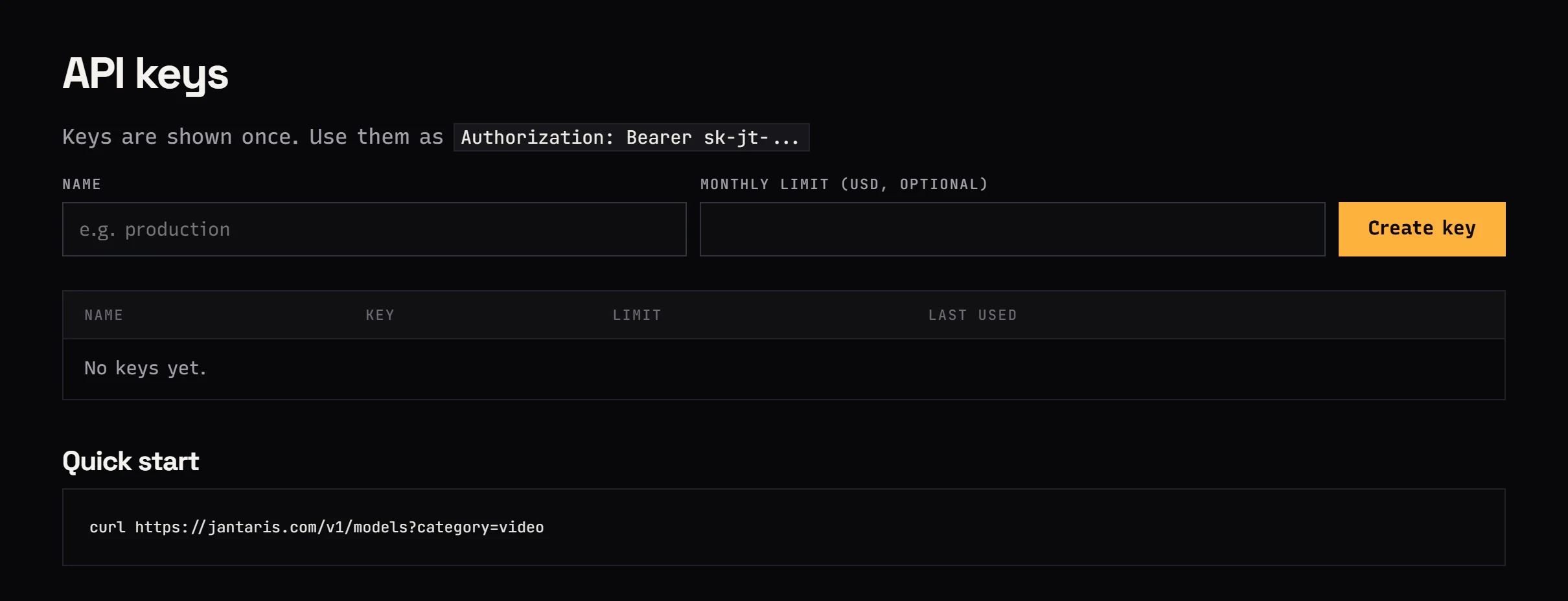
- Create an account and add funds (from $10, card payment).
- Open Studio, switch to the Audio tab and choose Voice Cleaner.
- In Source audio (URL), click Upload file and pick an MP3 or WAV (up to 25 MB). For longer files, paste a public link instead.
- Press Generate and download the result from the gallery.
The Cost line in Studio is a hold, not the final charge. Jantaris does not know the file length until it fetches the file, so it reserves the price of 10 minutes of audio (10 × $0.50 per minute). After the job it charges for the minutes actually started and releases the rest. If you send a one-hour episode, the final charge will be higher than that hold, so keep some headroom on the balance.
The 25 MB cap applies to Studio uploads only. A 16-bit, 48 kHz stereo WAV takes roughly 11 MB per minute, so for a long WAV episode put the file on your own server or cloud storage with a public link and paste the address.

Cleaning the audio of a video or reel
Voice Cleaner takes an audio file, so for a talking-head clip you pull the soundtrack out, clean it, and put it back. Any video editor can export audio only. With ffmpeg it is two commands:
# 1. Extract the audio track to WAV
ffmpeg -i reel.mp4 -vn -ac 1 -ar 48000 -c:a pcm_s16le reel-voice.wav

# 2. After cleaning, swap the audio track in, copying the video stream untouched
ffmpeg -i reel.mp4 -i reel-voice-clean.wav -map 0:v -map 1:a -c:v copy -c:a aac -b:a 192k -shortest reel-clean.mp4
Mono (-ac 1) halves the file size, which costs nothing for speech from a single mic and helps you stay under the upload limit. If the cleaned file comes back with a different extension than .wav, use that in the second command.
A typical source looks like this frame: one person talking to camera in an ordinary room, with the mic picking up whatever the room sounds like.
Noise removal over the API
The model has one input field, audio_url. A request with a webhook:
curl https://jantaris.com/v1/generate \
  -H "Authorization: Bearer $JANTARIS_API_KEY" \
  -H "Content-Type: application/json" \
  -d '{
    "model": "voice-cleaner",
    "input": { "audio_url": "https://your-server.com/podcast/episode-42.wav" },
    "webhook_url": "https://your-server.com/hooks/jantaris"
  }'
If you would rather poll, here is the same job in Python:
import os, time, requests

API = "https://jantaris.com/v1"
HEADERS = {"Authorization": f"Bearer {os.environ['JANTARIS_API_KEY']}"}

task = requests.post(f"{API}/generate", headers=HEADERS, timeout=30, json={
    "model": "voice-cleaner",
    "input": {"audio_url": "https://your-server.com/podcast/episode-42.wav"},
}).json()

while task["status"] not in ("succeeded", "failed"):
    time.sleep(5)
    task = requests.get(f"{API}/tasks/{task['id']}", headers=HEADERS, timeout=30).json()

if task["status"] == "succeeded":
    url = task["output"][0]["url"]
    ext = url.split("?")[0].rsplit(".", 1)[-1]
    with open(f"episode-42-clean.{ext}", "wb") as f:
        f.write(requests.get(url, timeout=300).content)
    print("cost:", task["cost"])
else:
    print("failed:", task["error"])
With a webhook, Jantaris POSTs the same JSON as GET /v1/tasks/{id} to your URL once the job ends, signed with HMAC-SHA256 in the x-jantaris-signature header. Verification steps are in the webhooks docs.
A simple pipeline for a two-host show:
- Each host records to a separate track.
- Each track goes to Voice Cleaner on its own, since each room has different noise.
- Your webhook handler stores the results and kicks off editing or transcription.
- The finished episode goes out.
You can build the same flow in n8n, Make or Zapier without code; it is plain HTTP with a bearer key (no-code setup). The guide to async AI jobs with webhooks shows the same pattern for video tasks.
What noise removal costs
You pay for each started minute of the source file, rounded up:
| Recording | Billed minutes | Cost |
|---|---|---|
| reel voiceover, 0:40 | 1 | 1 × $0.50 per minute |
| interview, 12:20 | 13 | 13 × $0.50 per minute |
| podcast, 45:00, one track | 45 | 45 × $0.50 per minute |
| same podcast, two separate tracks | 2 × 45 | 90 × $0.50 per minute |
| 4 episodes a month at 50 minutes | 4 × 50 | 200 × $0.50 per minute |
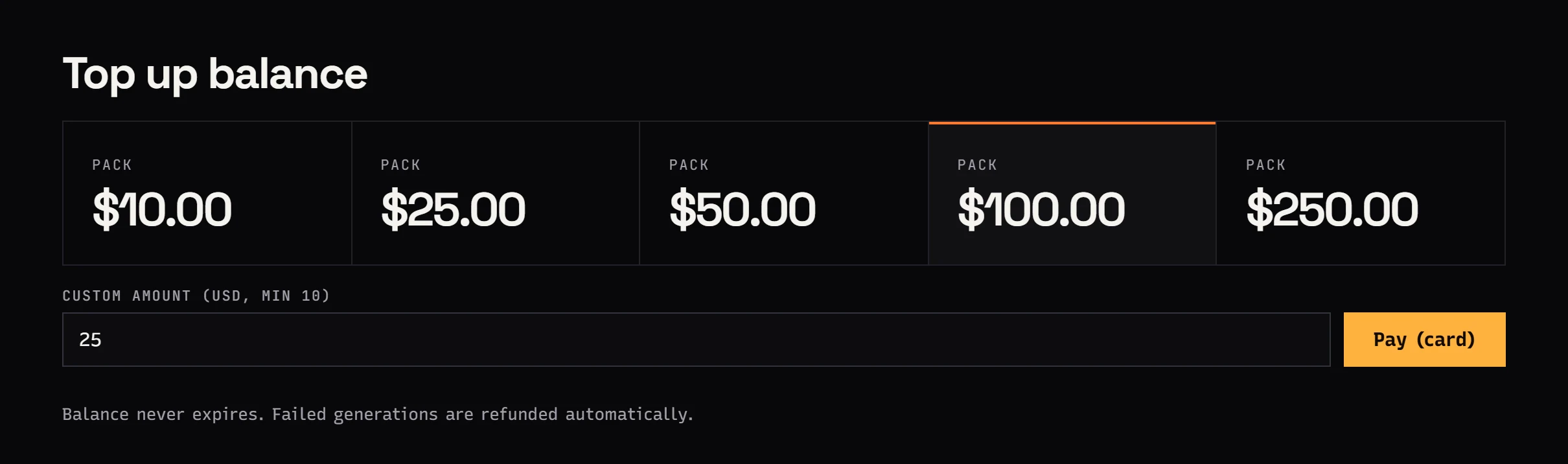
Trim the dead air before the countdown and after the sign-off, since silence is billed too. The balance is prepaid in USD, starts at $10, has no subscription and never expires. A failed job costs nothing.
Record so the cleaner has something to work with
- Mic close to the mouth. A hand's width instead of an arm's length makes the voice far louder than the room, so denoising does not have to touch the speech.
- Kill what you can. Fans, fridges, phone notifications. Steady noise is easier to remove than random beeps.
- Soft surroundings. Curtains, rugs and bookshelves cut the reverb that Voice Cleaner on Jantaris does not remove.
- Do not clip. Record a little quieter and raise the level in the edit instead of overloading the input.
- Keep the original. Compare the cleaned file with the raw one on headphones before publishing.
If you want an AI-generated voice or soundtrack for a short instead of recording yourself, see the guide to AI TikTok and Reels videos, and for production costs per clip, AI video cost per second.
FAQ
How do I remove background noise from a voice recording with AI?
In Jantaris Studio open the Audio tab, pick Voice Cleaner, upload an MP3 or WAV or paste a link, and press Generate. Over the API, send POST /v1/generate with the model voice-cleaner and the file link in audio_url.
How much does AI noise removal cost?
$0.50 per minute, and every started minute counts. A 12:20 interview bills as 13 minutes, so 13 × $0.50 per minute. Failed jobs are free.
Is there free AI voice noise removal?
Jantaris has no free tier or signup credits; the minimum top-up is $10 and the balance never expires. Many audio and video editors include free noise reduction filters that you tune by hand.
Does Voice Cleaner remove echo and reverb?
No. The vendor engine has a dereverb option, but Jantaris does not expose it yet. Reverb is best handled at recording time with a closer mic and a softer room.
Can I clean the audio of a video file?
Yes, but the tool takes audio. Extract the soundtrack (ffmpeg or an audio export from your editor), clean it, and swap it back into the video.
Does denoising help before transcription?
With noisy backgrounds, yes, because a cleaner voice is easier to recognise. With a distant, quiet voice or heavy reverb the gain will be smaller.