











Grok Imagine API - price per image and video, with examples
Grok Imagine API guide: Image 2.0, the original Imagine image model, Video 1.0 and 1.5, price per image and second, inputs, curl and Python code.
 Piotr Olszewski2026-10-027 minPolski
The Grok Imagine API covers xAI's image and video models. On Jantaris, an image from Grok Imagine Image 2.0 costs $0.045 per image, the original Grok Imagine costs $0.0246 per image, and video from Grok Imagine 1.0 Video is from $0.0299 per second. It is paid from the first generation, with no subscription and no charge for failed jobs. This guide covers the four models, what each one accepts, what my own tests showed, and working requests.
Four Grok Imagine models on Jantaris
xAI ships several models under one name. The Jantaris catalog has four:
| Model ID | Use it for | Key limits | Price |
|---|---|---|---|
grok-imagine-image-2.0 | text-to-image, newest | 7 aspect ratios, 1-4 images, prompt up to 10,000 chars | $0.045 per image |
grok-imagine | images and single-photo edits | 14 aspect ratios, 1k/2k, quality standard/high | $0.0246 per image |
grok-imagine-1.0-video | video from text or 1-7 images | 6-30 s, 480p/720p | from $0.0299 per second |
grok-imagine-video-1.5 | one photo animated with audio | 6-15 s, 480p/720p, dialogue and sound | from $0.088 per second |
Differences the names do not tell you:
- Image 2.0 on Jantaris is text-only. No input image, no quality or resolution switch. For editing a photo, use the original
grok-imagine. - The original model has extra-tall ratios (9:19.5 and 9:20) for full-screen phone wallpapers, plus
auto. - Video 1.0 goes up to 30 seconds in one job. xAI does not list an audio track for it.
- Video 1.5 needs exactly one image. It cannot start from text alone, but it generates synchronized sound and dialogue.
Grok Imagine price
Images bill a flat rate per image; video bills per second.
Images. Image 2.0 is $0.045 per image regardless of aspect ratio. The original Grok Imagine is $0.0246 per image, one rate on Jantaris across both quality tiers and both resolutions, and an edit costs the same as a fresh generation. With num_images: 4 you pay four times the per-image rate.
Video. The rate depends on resolution:
| Model | 480p | 720p |
|---|---|---|
| Grok Imagine 1.0 Video | from $0.0299 per second | about 1.8x the 480p rate |
| Grok Imagine Video 1.5 | from $0.088 per second | 2x the 480p rate |
Turning audio off in Video 1.5 does not lower the price. Exact per-tier rates are on the model pages (for example Grok Imagine Video 1.5), and every request returns estimated_cost before it runs.
Billing is prepaid in USD, minimum top-up $10, the balance does not expire. All rates are on the pricing page.
Is the Grok Imagine API free?
No. Jantaris has no free tier or signup credit; you pay from the first image. What you do not pay for is failure: if a job fails, including a content-filter rejection, the held amount comes back in full. A $10 top-up covers well over a hundred Image 2.0 images and does not expire.
Inside the Grok app, image generation was limited to paid SuperGrok plans when I checked at the end of September 2026; xAI changes plan tiers often, so check its plans page for the current state.
What my tests showed
I tested Grok Imagine twice through an API, one attempt per prompt, no cherry-picking.
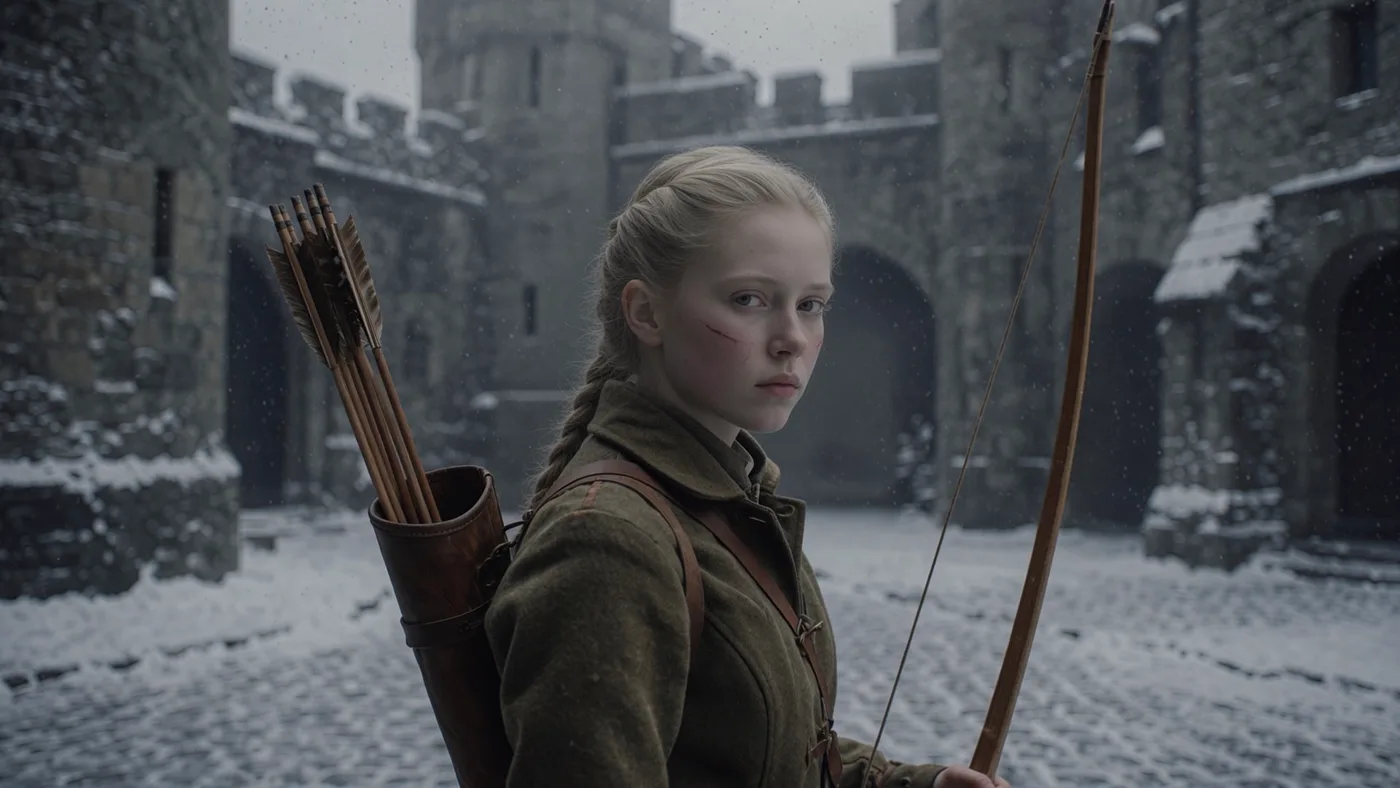
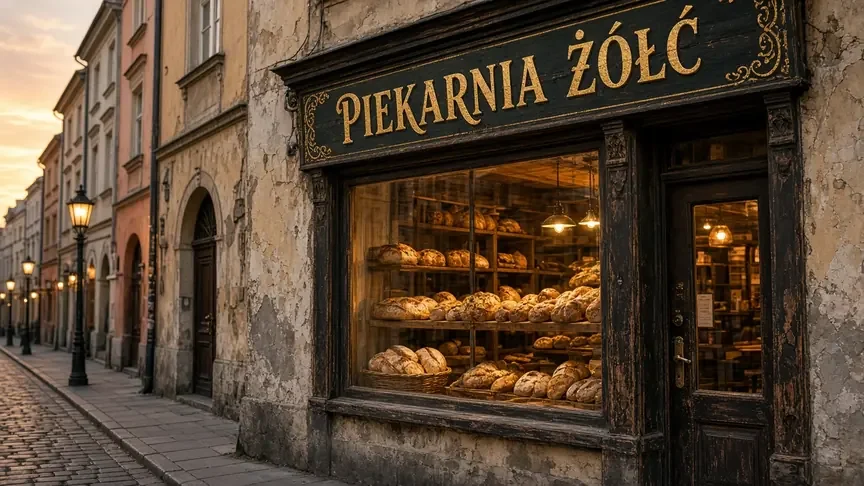
Image 2.0, September 27, 2026. Five prompts from my image model ranking at 16:9 and 1K. Average 8.6/10, tied third of eight models. Text rendering was the standout: a bakery sign with Polish diacritics ("PIEKARNIA ŻÓŁĆ") came out with every letter correct, scored 9.5/10, and the model added a correct handwritten price card to a market scene on its own.
The weak spot was speed: an average of 71.5 seconds per image (55 to 83 s), the slowest of the eight models. Timing on Jantaris may differ, but I do not count on a result inside a minute and use ?wait=120 instead of ?wait=60.
Grok Imagine vs Nano Banana 2, August 2026. Four prompts against Nano Banana 2. Nano Banana won 2.5 to 1.5 on photorealism, but Grok won two rounds in telling ways. When the prompt explicitly banned text, Grok obeyed and Nano Banana printed garbled pseudo-text on coffee sacks. And on a mid-century travel poster, Grok nailed the period style.
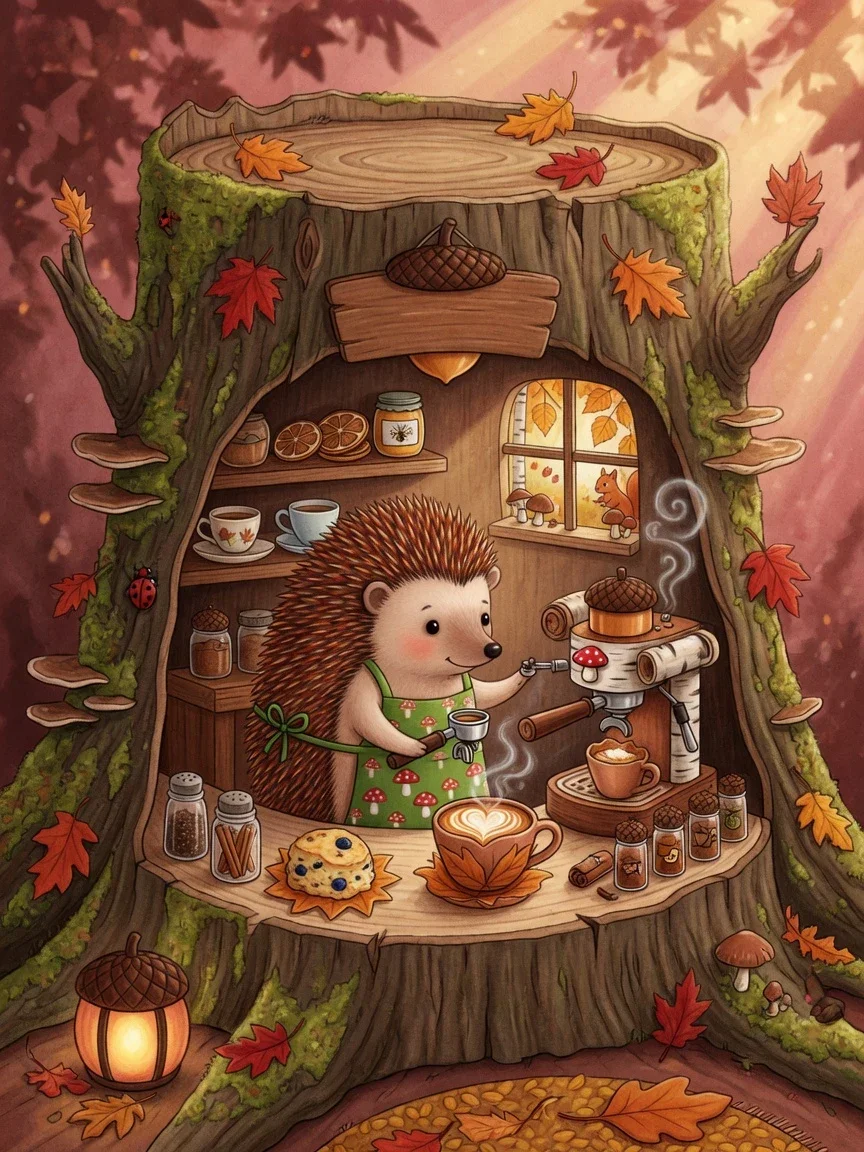
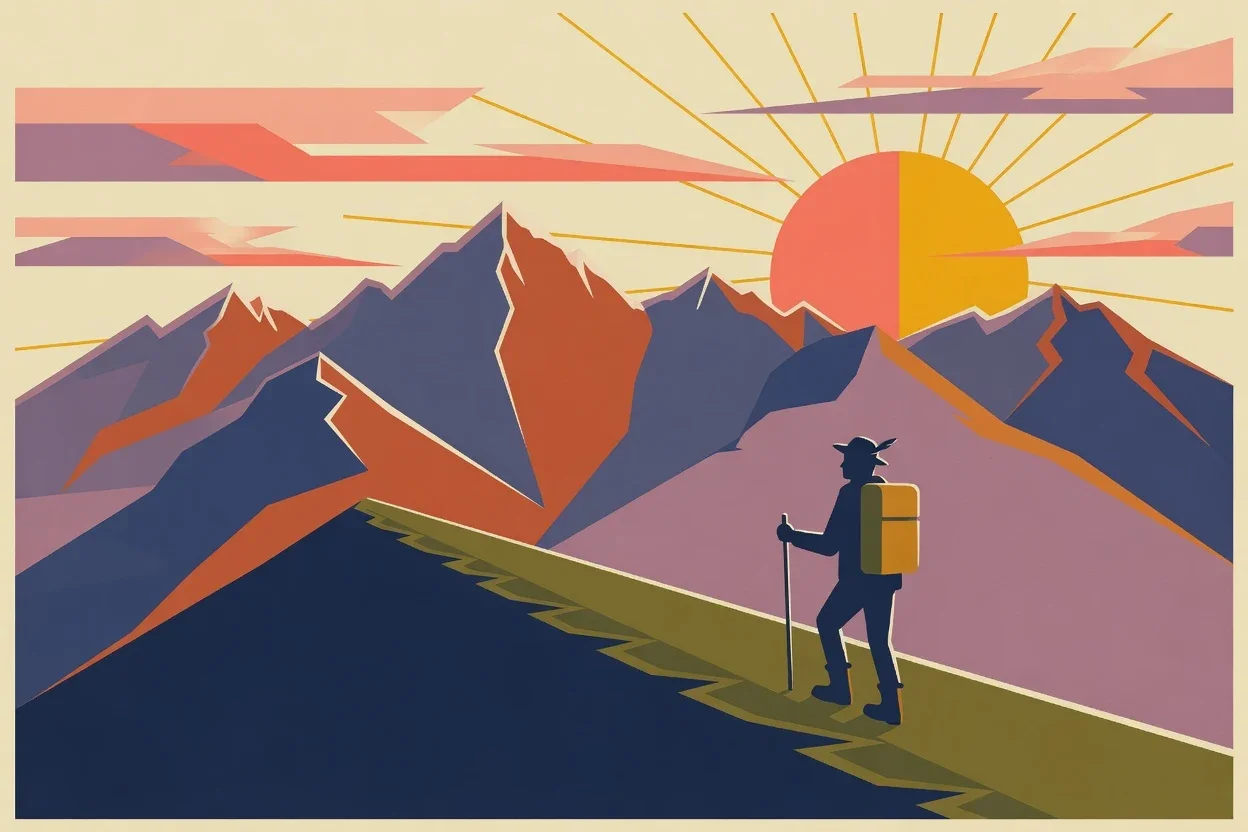
The pattern across both tests: Grok Imagine follows the prompt literally. It does not invent detail, and it does not add things you excluded. That makes long, specific prompts worth writing, and the 10,000-character limit allows them. The AI image prompt guide covers how to structure that kind of description.
When Grok Imagine is the right pick
- Images with exact text - signs, posters, labels.
- Period or graphic styles where fidelity to the style matters more than photorealism.
- Images where any text would be a defect - Grok respects a no-text instruction.
- Phone wallpapers at 9:19.5 or 9:20 with the original model.
- Long single takes from one prompt - Video 1.0 up to 30 seconds.
- Talking portraits or animated cover art with sound - Video 1.5 from one photo.
For photoreal places and products I would start elsewhere; see GPT Image 2.5 vs Nano Banana Pro vs FLUX.2.
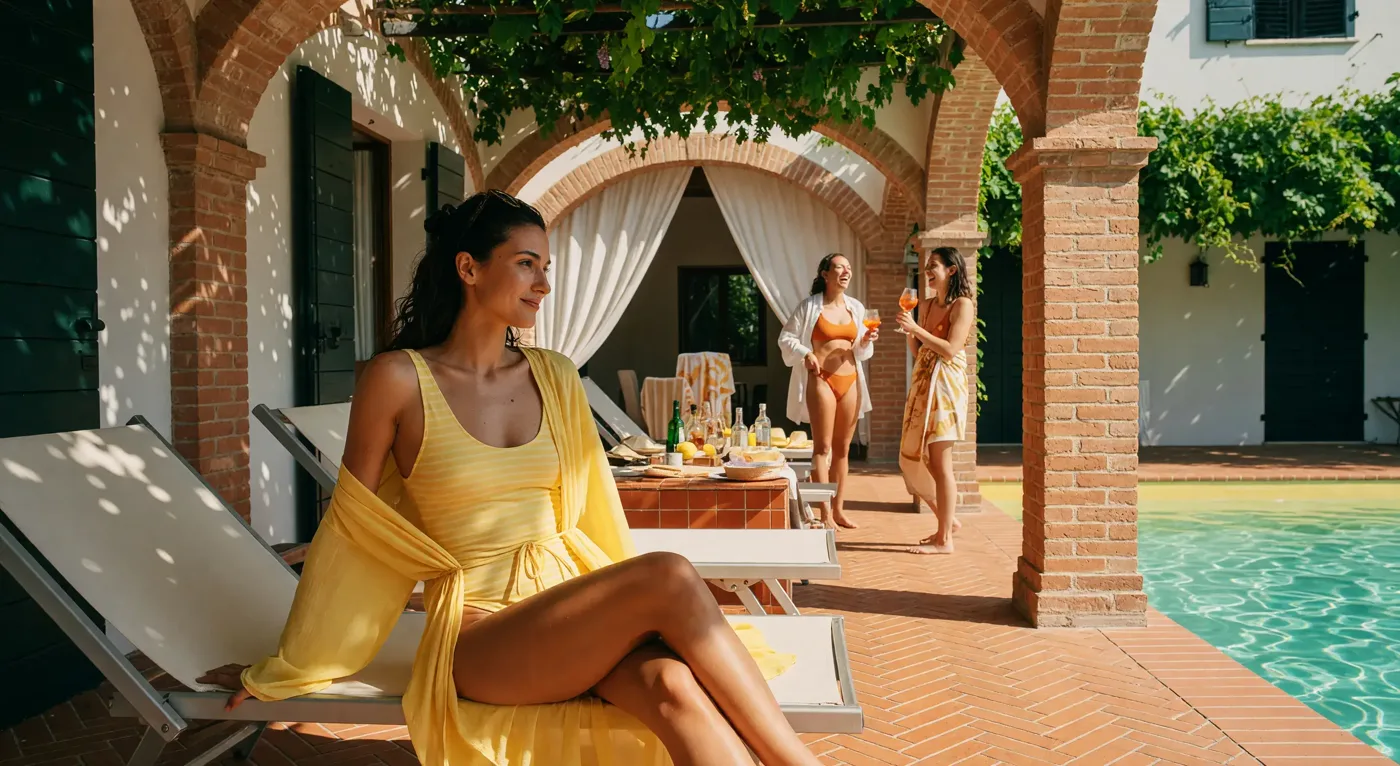
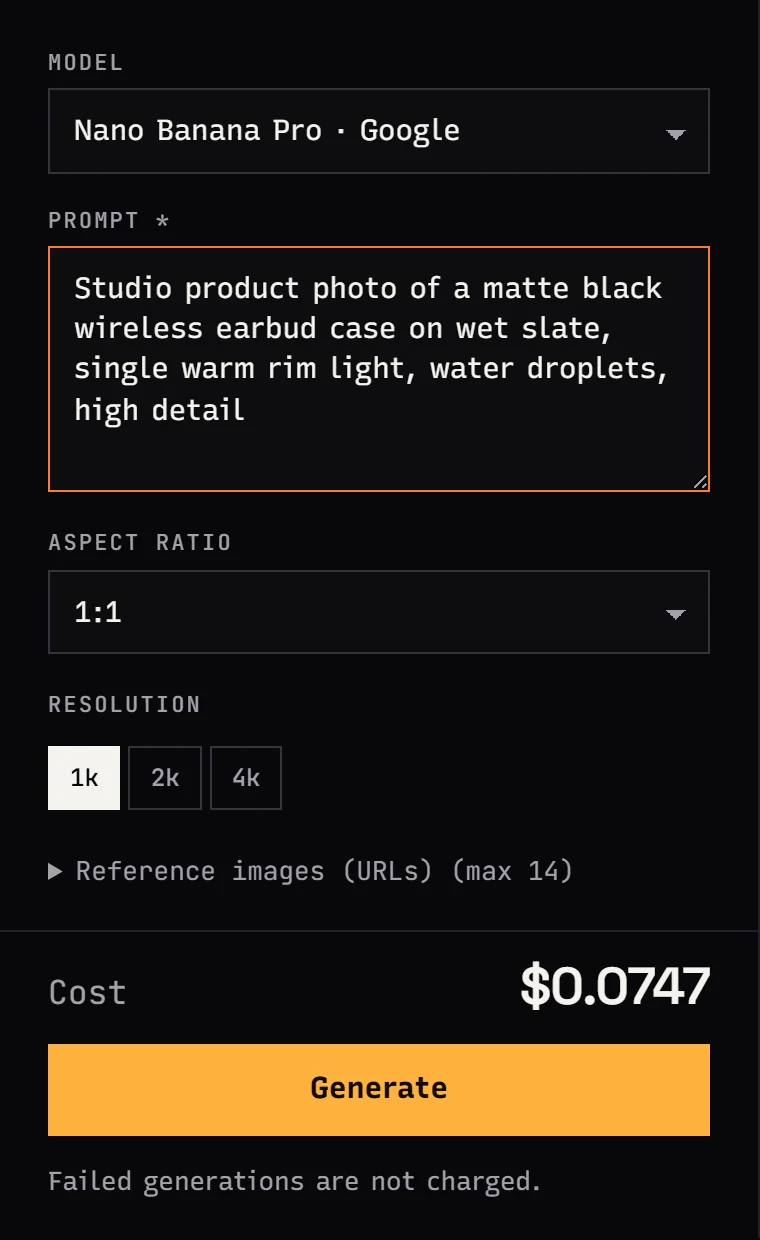
Using Grok Imagine in Studio
- Sign up and add funds from $10.
- In Studio, open Image and choose Grok Imagine Image 2.0, or open Video for the video models.
- Write the prompt, pick aspect ratio and number of images.
- To edit a photo, switch to the original Grok Imagine and add the image as a reference.
- Check Cost and press Generate.
Grok Imagine API examples
export JANTARIS_API_KEY="sk-jt-..."Image 2.0, waiting for the result
curl "https://jantaris.com/v1/generate?wait=120" \
  -H "Authorization: Bearer $JANTARIS_API_KEY" \
  -H "Content-Type: application/json" \
  -d '{
    "model": "grok-imagine-image-2.0",
    "input": {
      "prompt": "A small coffee roastery storefront on a rainy evening, hand-painted window lettering that reads \"SLOW ROAST\", warm light inside, reflections on wet pavement, 35mm photo",
      "aspect_ratio": "3:2",
      "num_images": 2
    }
  }'
Accepted ratios for Image 2.0: 1:1, 2:3, 3:2, 3:4, 4:3, 9:16, 16:9. 1:2, 2:1, 4:5 and auto return an error. If the job is not done within 120 seconds you get 202 and poll GET /v1/tasks/{id}.
Editing one photo with the original model
{
  "model": "grok-imagine",
  "input": {
    "prompt": "Change the time of day to blue hour, turn on the street lamps, keep the building and the people unchanged",
    "image_urls": ["https://example.com/photos/street.jpg"],
    "quality": "high",
    "resolution": "2k"
  }
}
One image per request. For several references at once, use a model built for that, such as Nano Banana Pro.
Video 1.5: a photo with dialogue
{
  "model": "grok-imagine-video-1.5",
  "input": {
    "prompt": "She looks up from the book, smiles and says softly: \"You're late again.\" Rain taps on the window, a clock ticks.",
    "image_url": "https://example.com/photos/portrait.jpg",
    "duration": 8,
    "resolution": "720p",
    "aspect_ratio": "9:16",
    "generate_audio": true
  }
}
Video 1.0: a long take from text
{
  "model": "grok-imagine-1.0-video",
  "input": {
    "prompt": "A slow tracking shot along a misty harbor at dawn: first the fishing boats, then a lighthouse, finally the sun rising over the sea",
    "duration": 20,
    "resolution": "480p",
    "aspect_ratio": "16:9"
  }
}
duration must be a number, not a string. On long clips, write the action as a sequence of beats or the scene starts to loop.
Python: generate and save images
import os
import time
import requests

API = "https://jantaris.com/v1"
HEADERS = {"Authorization": f"Bearer {os.environ['JANTARIS_API_KEY']}"}

r = requests.post(
    f"{API}/generate?wait=120",
    headers=HEADERS,
    json={
        "model": "grok-imagine-image-2.0",
        "input": {
            "prompt": "Mid-century travel poster of an alpine valley at sunrise, a lone hiker, flat colors, radiating sun, no text",
            "aspect_ratio": "2:3",
            "num_images": 2,
        },
    },
    timeout=150,
)
task = r.json()

while task["status"] not in ("succeeded", "failed"):
    time.sleep(10)
    task = requests.get(f"{API}/tasks/{task['id']}", headers=HEADERS, timeout=30).json()

if task["status"] == "succeeded":
    for i, item in enumerate(task["output"]):
        with open(f"grok_{i}.png", "wb") as f:
            f.write(requests.get(item["url"], timeout=60).content)
    print("cost:", task["cost"])
else:
    print("failed, cost 0:", task["error"])
Output links expire, so save files right away. More patterns are in generate images with Python.
Before you animate a real person
Video 1.5 is good at talking portraits, which is exactly why consent matters: only use someone's photo if you have their permission to use their likeness. On Jantaris, Grok Imagine Video 1.5 runs with the content filter on, and a job blocked by the filter ends as failed and costs nothing.
FAQ
How much does the Grok Imagine API cost?
On Jantaris: Image 2.0 is $0.045 per image, the original Grok Imagine $0.0246 per image. Video 1.0 is from $0.0299 per second and Video 1.5 from $0.088 per second, with 720p costing more.
Is there a free Grok Imagine API?
Not on Jantaris. You pay from the first image, with a $10 minimum top-up that does not expire, and failed jobs are free. In the Grok app, image generation sat in paid SuperGrok plans as of late September 2026.
Can Grok Imagine edit images through the API?
Yes, with the original grok-imagine model: one image in image_urls plus an instruction. Image 2.0 on Jantaris is text-to-image only.
Does Grok Imagine make video with sound?
Grok Imagine Video 1.5 animates one photo into a 6-15 s clip with synchronized audio and dialogue. Video 1.0 makes clips up to 30 s, but xAI does not list an audio track for it.
How long does a Grok Imagine image take?
In my September test, Image 2.0 averaged 71.5 seconds per image. Use ?wait=120 or poll the task rather than expecting a result in under a minute.


