










Midjourney Alternatives with API - 6 Image Models Compared
Midjourney has no official public API. Six image models you can call over REST, paid per image: Nano Banana Pro, GPT Image 2.5, Seedream, FLUX.2 and more.
 Piotr Olszewski2026-10-028 minPolski
Midjourney runs in its own web app and on Discord, on a subscription, and it does not offer an official public API. If you need image generation you can call from code and pay for per image, the closest alternatives are models with official API access: Nano Banana Pro (from $0.0747 per image), GPT Image 2.5 ($0.0432 per image), Seedream 5.0 Pro, FLUX.2 [pro], Imagen 4.0 and the budget Z-Image Turbo ($0.02 per image). On Jantaris all six sit behind one API key and one prepaid balance. Below: what each one is good at, how to port your Midjourney prompts and parameters, and what my own side-by-side test showed.
Midjourney and APIs: the facts as of October 2026
From Midjourney's documentation, terms and pricing page (terms change, so check midjourney.com before you rely on any of this):
- No official API. There are no API keys and no public endpoints. You generate on midjourney.com or through the Discord bot.
- No automation. The terms of service do not allow automated tools to generate images. Services marketed as a "Midjourney API" are unofficial third-party wrappers, not a Midjourney product.
- Subscription only. Basic, Standard, Pro and Mega run from $10 to $120 per month, less with annual billing. There has been no free trial since 2023.
- Commercial use is included in every paid plan; companies with more than $1M in annual revenue need Pro or Mega.
That is a deliberate product choice: Midjourney focuses on its own app, its community and a very recognizable aesthetic. If that is how you work, keep using it. An API-first alternative makes sense when one of the following applies.
When an API alternative fits better
- You are building something. Image generation inside a store, a CMS, an n8n or Make workflow, or your own app needs a plain
POSTwith a key. - Your volume swings. 40 images one month and 2,000 the next fits pay-per-image better than a fixed plan.
- You need reference images. Put your actual product or character into a new scene instead of letting the model redraw it.
- You need exact text. Signs, labels and posters with correct spelling.
- You want one bill. The same balance also pays for video, music and chat models.
Six models to use instead
| Model | Vendor | Strength | Reference images | Output | Price on Jantaris |
|---|---|---|---|---|---|
| Nano Banana Pro | polished single frames, text, 4K | up to 14 | 10 ratios, 1K-4K | from $0.0747 per image | |
| GPT Image 2.5 | OpenAI | follows long prompts closely, editing | up to 16 | 3 presets or auto | $0.0432 per image |
| Seedream 5.0 Pro | ByteDance | posters and covers with lots of text | up to 10 | 8 ratios, 1K-2K | from $0.0783 per image |
| FLUX.2 [pro] | Black Forest Labs | photorealism, multi-reference scenes | up to 8 | 7 ratios, 1K-2K | from $0.0688 per image |
| Imagen 4.0 | plain text-to-image, no editing | none | 5 ratios | $0.115 per image | |
| Z-Image Turbo | Alibaba | speed and price, drafts | none | 5 ratios | $0.02 per image |
"From" means higher resolutions cost more. Every request returns one image. For a deeper three-way test see GPT Image 2.5 vs Nano Banana Pro vs FLUX.2, plus the head-to-heads Nano Banana Pro vs GPT Image 2.5 and FLUX.2 Pro vs Nano Banana Pro.
My rule of thumb:
- Nano Banana Pro for one hero image, a cover or an ad visual.
- GPT Image 2.5 for long, specific prompts where every element has to appear. For long chains of edits there is GPT Image 2.5 Sunburst.
- Seedream 5.0 Pro when the image carries a lot of typography.
- FLUX.2 [pro] when I compose a scene from several reference photos.
- Imagen 4 for straightforward text-to-image with nothing to upload.
- Z-Image to test composition and light cheaply before paying for a bigger model.
My test: one prompt, three models
On October 1, 2026 I gave several image models the same long prompt: Kraków's Main Market Square at dusk, six shop signs with Polish names, a newspaper kiosk with the headline "MIASTO BEZ KORKÓW?" and a tram showing route 8. One attempt per model at its highest resolution, no cherry-picking. The full write-up (in Polish) is on my blog: FLUX 3 4K test. These three models are on Jantaris:


What I took from it:
- all three handled small, non-English signage with diacritics, which many image models still get wrong,
- GPT Image 2.5 Sunburst packed in the most of what the prompt asked for: kiosk, tram, church towers,
- Seedream 5.0 Pro went for a documentary street view and returned a smaller file (2728 x 1536 px) than requested,
- Nano Banana Pro had the most postcard-like light and one text error.
In the same round of tests Seedream 5.0 Pro scored 9/10 from me on a portrait task, where skin, hands and window light give models away:

Porting Midjourney prompts and parameters
Double-dash flags are Midjourney syntax. Other models read them as plain text. Here is how they map:
| Midjourney | API models |
|---|---|
--ar 16:9 | aspect_ratio field ("16:9"); GPT Image 2.5 uses pixel sizes like 1536x1024 |
--no text | write no text in the prompt, or use negative_prompt where available (Wan 2.7 Image, Qwen Image 3.0) |
--seed 123 | seed field on models that support it (FLUX.2 [max], Wan 2.7 Image) |
--sref / style image | add the image to image_urls and say "in the style of the reference image" |
--stylize, --chaos | no direct equivalent, describe the style in words |
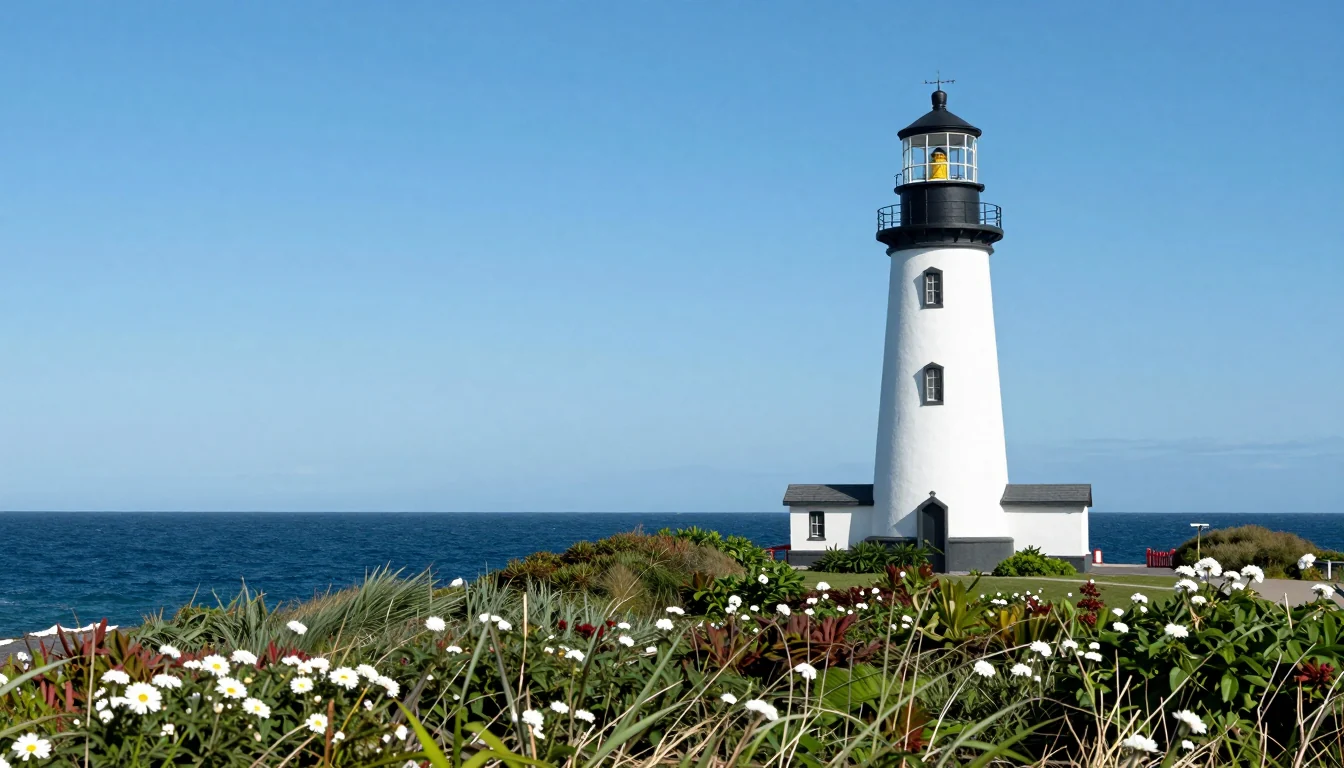
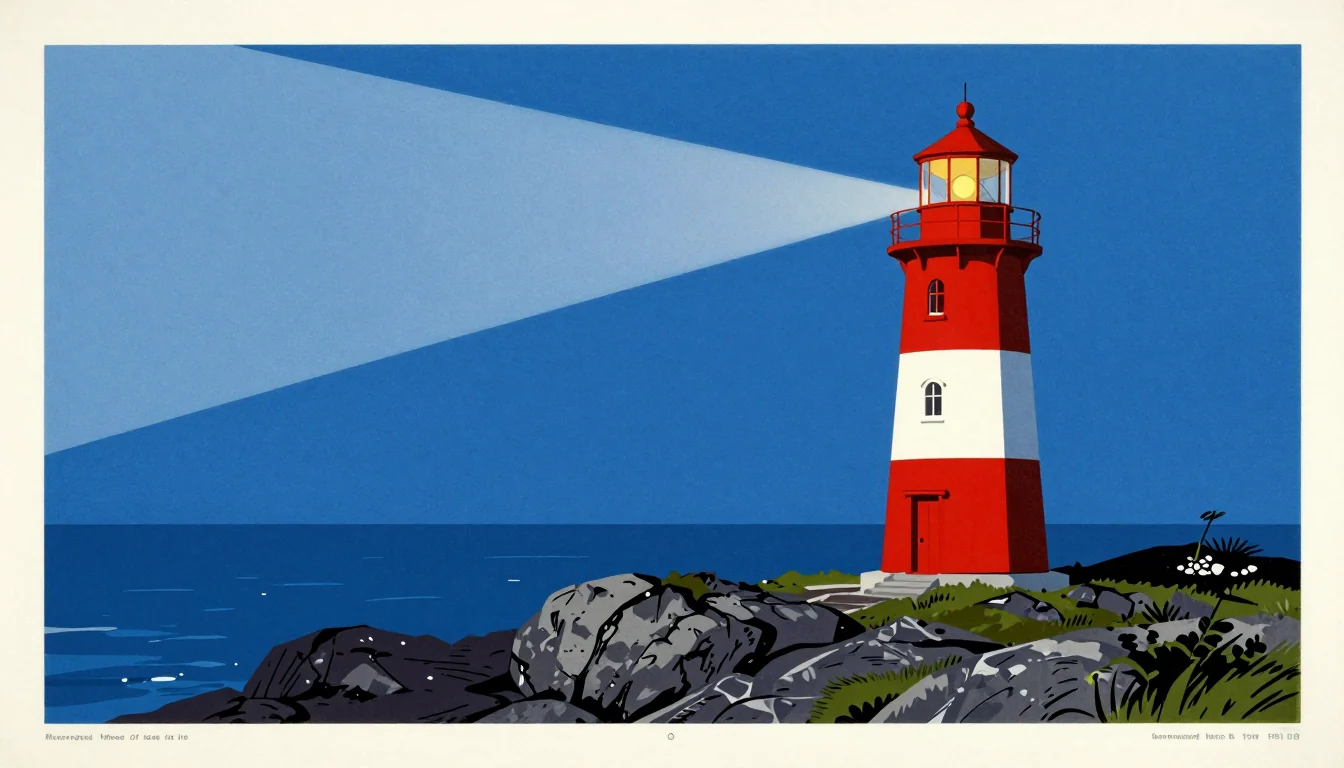
The bigger shift is prompt length. Keyword piles like "lighthouse, moody, cinematic" give average results here. A full description of subject, setting, light and style works better. Same seed in Z-Image Turbo, only the prompt changed:
More on this in the AI image prompt guide.
Painterly and concept work
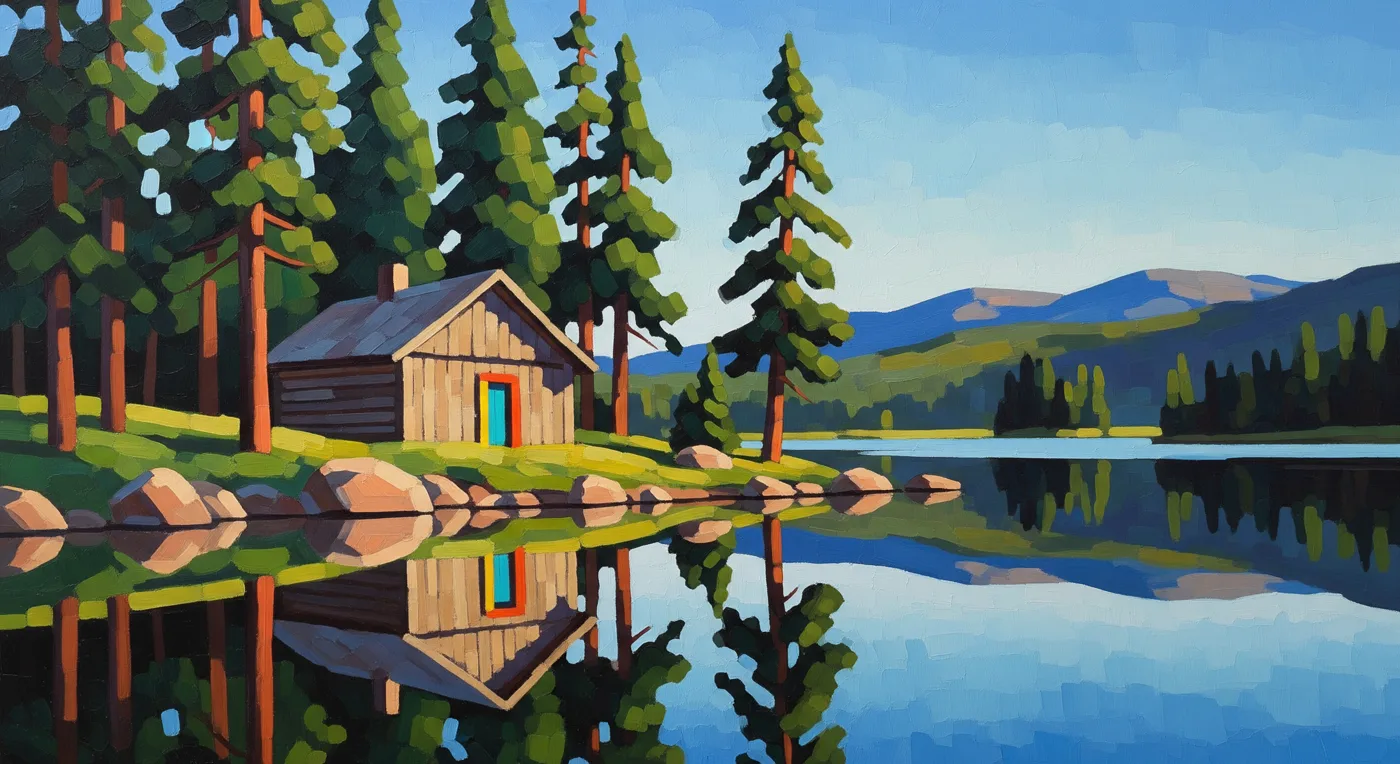
Midjourney is known for painterly images and concept art. The models above do this too when you name the technique (oil, watercolor, linocut), the era and the palette. A vendor example from Imagen 4:
What it costs
No subscription on Jantaris. Each generated image is charged from a prepaid balance that never expires. The minimum top-up is $10. A month with 100 images:
| Model | 100 images |
|---|---|
| Z-Image | 100 × $0.02 per image |
| GPT Image 2.5 | 100 × $0.0432 per image |
| FLUX.2 [pro] | 100 × from $0.0688 per image |
| Nano Banana Pro | 100 × from $0.0747 per image |
| Seedream 5.0 Pro | 100 × from $0.0783 per image |
| Imagen 4 | 100 × $0.115 per image |
A subscription is a flat fee whatever your volume; a balance is charged per image. Which one comes out cheaper depends on how much you generate. Failed generations cost nothing. All rates are on the pricing page.
The same image over the API
One POST, no Discord. ?wait=60 holds the request until the image is ready:
curl "https://jantaris.com/v1/generate?wait=60" \
  -H "Authorization: Bearer $JANTARIS_API_KEY" \
  -H "Content-Type: application/json" \
  -d '{
    "model": "nano-banana-pro",
    "input": {
      "prompt": "Vintage 1950s travel poster of a red and white lighthouse on a rocky Baltic coast at blue hour, flat screen-printed colours, bold simple shapes, no text",
      "aspect_ratio": "16:9",
      "resolution": "2k"
    }
  }'
The same in JavaScript, switching models by name:
const res = await fetch("https://jantaris.com/v1/generate?wait=60", {
  method: "POST",
  headers: {
    "Authorization": `Bearer ${process.env.JANTARIS_API_KEY}`,
    "Content-Type": "application/json",
  },
  body: JSON.stringify({
    model: "seedream-5.0-pro",
    input: { prompt: "Concert poster for a jazz night, title \"BLUE HOUR\", art deco style", aspect_ratio: "3:4" },
  }),
});
const task = await res.json();
console.log(task.status, task.output?.[0]?.url, task.cost);
If the image is not ready within wait, poll GET /v1/tasks/{id}. A complete Python script with downloads is in generate images with Python, and every parameter is in the generate docs.
FAQ
Does Midjourney have an API?
Not an official public one. Midjourney runs on its web app and Discord, and its terms do not allow automation. Anything sold as a "Midjourney API" is an unofficial third-party wrapper.
What is the best Midjourney alternative with an API?
It depends on the job: Nano Banana Pro for polished single images, GPT Image 2.5 for long precise prompts, Seedream 5.0 Pro for typography-heavy posters, FLUX.2 for multi-reference scenes and Z-Image for cheap drafts.
Is there a free Midjourney alternative?
Jantaris has no free plan or signup credits; you pay from the first image and the minimum top-up is $10. Some vendors offer limited free tiers in their own apps, and Z-Image has open weights you can run locally on a strong GPU.
Can I paste my Midjourney prompts?
Paste the description, drop the double-dash flags. Set the ratio in aspect_ratio and describe the style in words or pass a reference image.
Can I use the images commercially?
Usage terms come from each model's vendor and the service terms. Check the specific model before a client campaign, and do not use real people's likeness or other brands' trademarks without permission.


