











AI Video Upscaler to 4K - Topaz and Enhance Video via API
AI video upscaler to 4K: Topaz Video Upscaler doubles resolution, Enhance Video goes up to 8K with three quality tiers. Per-second pricing, Studio and API.
 Piotr Olszewski2026-10-027 minPolski
Jantaris has two AI video upscalers. Topaz Video Upscaler doubles the resolution, so 1080p becomes 4K, and costs $0.11 per second of source video: an 8-second clip is 8 × $0.11 per second. Enhance Video 1.0 lets you pick the target resolution from 240p to 8K plus one of three quality tiers, with rates starting from $0.0053 per second. Below is how they compare, how to run them in Studio and over the API, and what a typical job costs.
Topaz or Enhance Video
Both take a finished video and bill per second of the source. The difference is what you can control:
| Topaz Video Upscaler | Enhance Video 1.0 | |
|---|---|---|
| Upscale | fixed 2x | your choice: 240p, 360p, 480p, 540p, 720p, 1080p, 2K, 4K, 8K |
| Quality tiers | none | lite, standard, professional |
| Source file | MP4, MOV, MKV up to 50 MB | MP4, MOV, MKV, AVI, FLV, TS, WMV and more, up to 10 GB and 2 hours |
| Source limit | file size | short side at most 1440 px |
| Keeps | duration and frame timing | duration |
| Price | $0.11 per second | from $0.0053 per second (depends on resolution and tier) |
What that means in practice:
- Short 1080p clip to 4K, no settings: Topaz. Send the file, get twice the resolution (1920 × 1080 becomes 3840 × 2160).
- 720p clip to 4K: Enhance Video. Topaz would give you 1440p, because the 2x factor is fixed; Enhance takes
4kdirectly. - Long footage: vlogs, video podcasts, event recordings. Topaz caps at 50 MB; Enhance accepts up to 10 GB and 2 hours.
- Old film with grain: Enhance on the
professionaltier, which keeps grain. - Fast, cheap preview: Enhance on
lite(up to 4K). - 8K: Enhance only, on
standardorprofessional.
Topaz's 4x and same-size cleanup modes, and Enhance's frame interpolation, scene presets and 10-16-bit output, are not exposed on Jantaris yet.
What the vendor shows
Topaz Labs demonstrates its tools with before-and-after comparisons. Here are two "after" clips from those comparisons. They are downscaled to 720p on this page to load fast, so they show the look, not the full resolution.
Step by step in Jantaris Studio
- Sign up and add funds (from $10).
- In Studio, open the Tools tab and choose Topaz Video Upscaler or Enhance Video 1.0.
- In Source video (URL), click Upload file (MP4 or MOV up to 25 MB) or paste a public link. Bigger files go in as a link.
- For Enhance Video, set Resolution (for example
4k) and Quality (lite,standard,professional). Topaz has no settings. - Press Generate and download the result from the gallery before the link expires.
The Cost line is a hold. Jantaris only learns the video length after fetching the file, so before the job starts it reserves the price of 120 seconds of footage, for Topaz 120 × $0.11 per second. When the job finishes it charges for the actual source seconds (rounded up) and releases the rest. Your available balance needs to cover that reserve.

Upscaling over the API
Topaz takes one field, video_url:
curl https://jantaris.com/v1/generate \
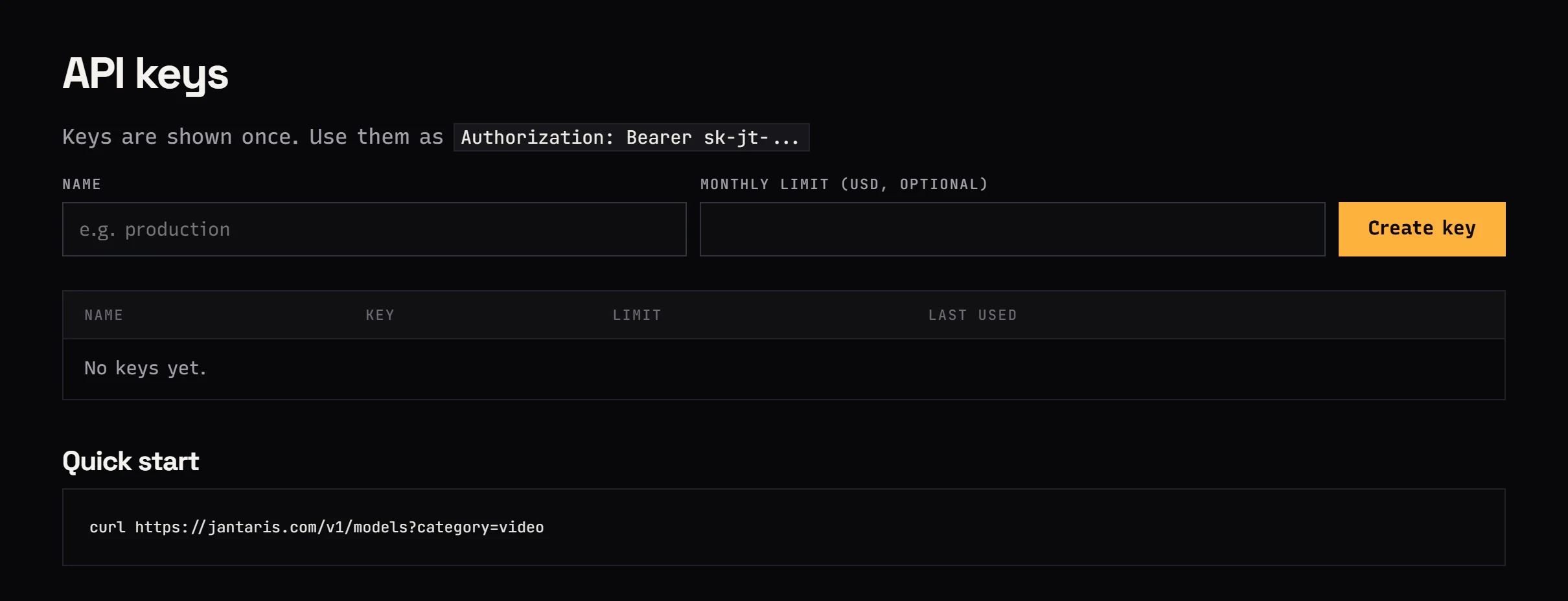
  -H "Authorization: Bearer $JANTARIS_API_KEY" \
  -H "Content-Type: application/json" \
  -d '{
    "model": "topaz-video-upscaler",
    "input": { "video_url": "https://your-server.com/video/clip-1080p.mp4" }
  }'
Enhance Video adds resolution and quality:
curl https://jantaris.com/v1/generate \
  -H "Authorization: Bearer $JANTARIS_API_KEY" \
  -H "Content-Type: application/json" \
  -d '{
    "model": "enhance-video-1.0",
    "input": {
      "video_url": "https://your-server.com/video/vlog-720p.mp4",
      "resolution": "4k",
      "quality": "standard"
    }
  }'
Leave out resolution and Enhance uses the default 1080p; leave out quality and it runs standard. Fetch the result with GET /v1/tasks/{id} or a webhook: output holds the file with type: "video", and cost the final charge.
The most common case is an AI-generated clip you want to ship at a higher resolution. This JavaScript snippet (Node 18+) takes a finished task, sends its output to Topaz before the link expires, and saves the 4K file:
import { writeFile } from "node:fs/promises";

const API = "https://jantaris.com/v1";
const headers = {
  Authorization: `Bearer ${process.env.JANTARIS_API_KEY}`,
  "Content-Type": "application/json",
};

async function waitFor(task) {
  while (!["succeeded", "failed"].includes(task.status)) {
    await new Promise((r) => setTimeout(r, 10000));
    task = await fetch(`${API}/tasks/${task.id}`, { headers }).then((r) => r.json());
  }
  return task;
}

const source = await fetch(`${API}/tasks/task_8f2k...`, { headers }).then((r) => r.json());
const clipUrl = source.output[0].url;

let up = await fetch(`${API}/generate`, {
  method: "POST",
  headers,
  body: JSON.stringify({ model: "topaz-video-upscaler", input: { video_url: clipUrl } }),
}).then((r) => r.json());
up = await waitFor(up);

if (up.status === "succeeded") {
  const file = Buffer.from(await (await fetch(up.output[0].url)).arrayBuffer());
  await writeFile("clip-4k.mp4", file);
  console.log("cost:", up.cost);
} else {
  console.log("failed:", up.error);
}
For many clips at once, use webhook_url instead of polling. The async video pipeline guide shows the full pattern.
What upscaling costs
Topaz bills each started second of the source video:
| Footage | Seconds | Cost |
|---|---|---|
| 8 s AI clip, 1080p to 4K | 8 | 8 × $0.11 per second |
| 30 s reel | 30 | 30 × $0.11 per second |
| 6 shots of 5 s for a music video | 30 | 30 × $0.11 per second |
Enhance Video rates depend on the target resolution and the tier. The starting rate above is standard at 720p. On standard, 1080p costs 2x that, 2K 4x, 4K 8x and 8K about 32x the 720p rate. lite is about 27% of the standard price and professional about 10x. Example: a 60-second clip to 4K on standard is 60 seconds × 8 × the starting rate, so 480 × the starting rate. The exact numbers for every resolution are in the table on the Enhance Video page, and estimated_cost shows the quote before you commit.
Compare the 4K line in the Enhance table with Topaz's $0.11 per second before choosing a tool for longer footage; at the time of writing, standard 4K on Enhance was cheaper per second. The balance is prepaid in USD with no subscription, and failed jobs cost nothing.

Or generate at the target resolution
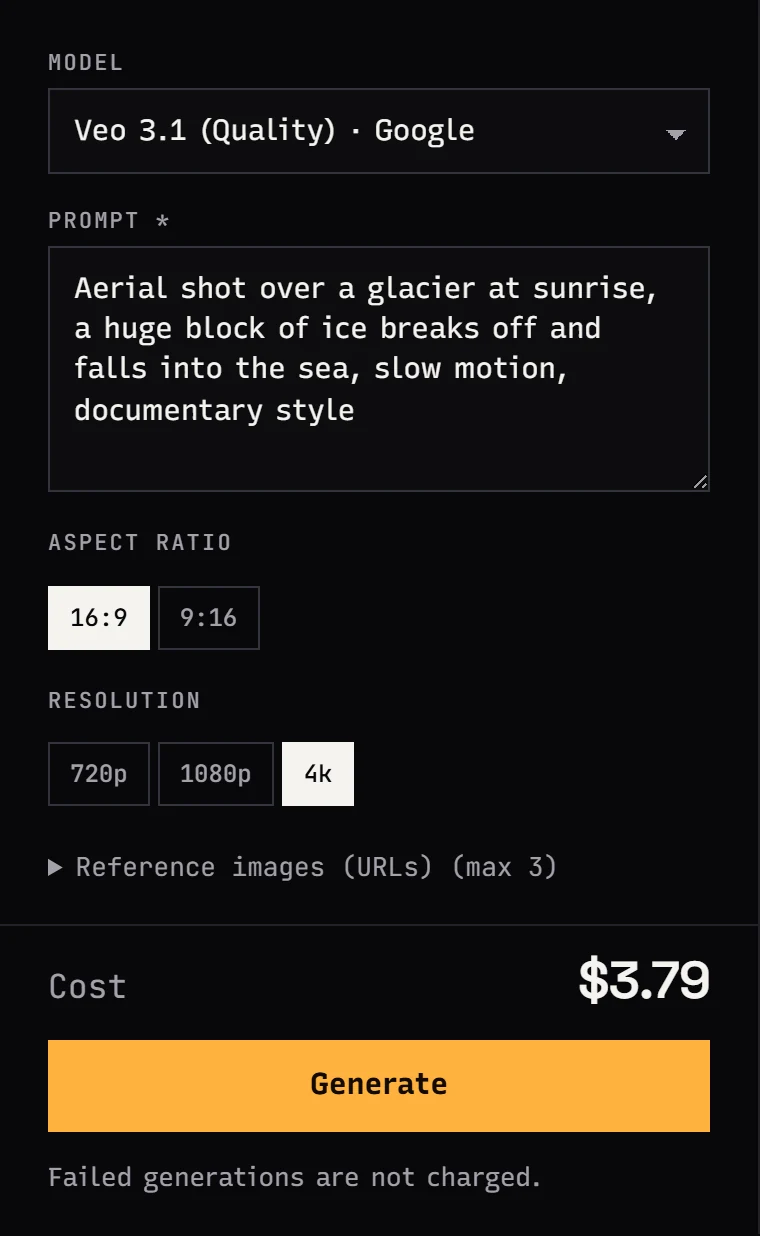
Upscaling makes sense for footage that already exists. If you are still generating the clip, check whether the model can render at your target resolution directly. Veo 3.1 (Quality) and Kling 3.0 offer 4k in Studio. Native 4K usually carries more real detail than an upscale, but every attempt costs more. A sensible pattern: drafts at 720p, the chosen take at 1080p, and only the final cut goes up to 4K. Model pricing is broken down in Veo 3.1 API pricing and Kling 3.0 API pricing.
What an upscaler cannot do
- It cannot recover detail that was never there. The AI adds plausible detail, but text, background faces or licence plates may come out different from reality. Do not use it for evidence or documentation.
- It will not fix motion blur. A blurry frame stays blurry, just bigger.
- Heavy compression artifacts make reconstruction harder. Upload the file without re-encoding it.
- Source limits: Topaz up to 50 MB, Enhance with a short side up to 1440 px (you cannot send 4K footage to Enhance). Studio uploads cap at 25 MB; larger files go in as links.
FAQ
How do I upscale a video to 4K with AI?
In Jantaris Studio open the Tools tab, pick Topaz Video Upscaler (2x) or Enhance Video 1.0 (resolution up to 8K), upload the video or paste a link, and press Generate. Over the API, send POST /v1/generate with the video link in video_url.
How much does Topaz video upscaling cost via API?
$0.11 per second, measured on the source video length. An 8-second clip is 8 × $0.11 per second, paid from a prepaid balance with no software licence and no subscription.
Is there a free AI video upscaler?
Jantaris has no free tier or signup credits; the minimum top-up is $10, the balance never expires, and failed jobs are free. Desktop video tools sometimes offer trials on their own terms.
Can I upscale 720p to 4K?
Yes, with Enhance Video 1.0 and resolution: "4k". Topaz always scales 2x, so 720p becomes 1440p.
How long can the video be?
Topaz takes files up to 50 MB. Enhance Video takes up to 10 GB and 2 hours with a short side up to 1440 px. Studio uploads are capped at 25 MB, so pass larger files as public links.
Can I upscale a video I generated on Jantaris?
Yes. Take the output URL from the finished task and send it as video_url to Topaz or Enhance Video before the link expires.


