











GPT-6 via API - Sol, Astra or Luna? Which Model to Use
GPT-6 API pricing for Sol, Astra and Luna per 1M tokens, how the three models differ, a cost formula with a worked example and Python and Node code.
 Piotr Olszewski2026-10-027 minPolski
The GPT-6 API comes in three models at three price points: GPT-6 Luna costs $0.108 / $0.54 per 1M tokens, GPT-6 Sol costs $2.16 / $10.80 per 1M tokens, and the flagship GPT-6 Astra costs $10.80 / $54.00 per 1M tokens. In Jantaris you pay per token from a prepaid USD balance, with no subscription and no monthly minimum. My default is Sol, high-volume jobs go to Luna, and Astra only gets the cases Sol cannot handle.
Below: how the three models differ, how to estimate the cost of a request before you send it, and the code to call each one.
GPT-6 Sol, Astra and Luna at a glance
OpenAI released the GPT-6 family in September 2026. Astra, the flagship, came first on September 3. Sol and Luna followed on September 22. OpenAI says it trained Sol and Luna with methods similar to Astra's, to bring those gains to faster, cheaper models. All three take text and image input and return text.
| Model | API id | Price per 1M tokens (input / output) | Context | Max output | Best for |
|---|---|---|---|---|---|
| GPT-6 Astra | gpt-6-astra | $10.80 / $54.00 per 1M tokens | 1.05M tokens | 128K tokens | hardest tasks, long engineering work, scientific analysis |
| GPT-6 Sol | gpt-6-sol | $2.16 / $10.80 per 1M tokens | 1.05M tokens | 128K tokens | default work model: code, agents, document analysis |
| GPT-6 Luna | gpt-6-luna | $0.108 / $0.54 per 1M tokens | 1.05M tokens | 128K tokens | support chat, classification, summaries, light agents |
Look at the rates: Luna and Astra are two orders of magnitude apart. A task that costs a fraction of a cent on Luna costs dollars at scale on Astra, and at thousands of requests a day that gap decides whether a feature is viable.
GPT-6 Astra
OpenAI calls Astra its best model across the board and lists software engineering, computer use, browsing, cybersecurity, science and professional work as its strengths. It is the model for tasks where a better answer saves hours of human work. One practical note from OpenAI's API changelog: Astra does not accept custom temperature or top_p values, so strip those parameters when you port older code.
GPT-6 Sol
Sol is the middle of the family. OpenAI positions it for difficult work where you want to iterate many times without paying flagship rates. For me it is the first pick for code, tool-calling agents and long-document analysis.
GPT-6 Luna
Luna is the fastest and cheapest. OpenAI recommends it for chat, classification and lightweight agentic tasks. It has the same 1.05M-token context as Sol, so it can read a long log file or report in one request. It just reasons less deeply over that content than the higher tiers.
What about GPT-6.1 Sol?
On September 29 OpenAI released GPT-6.1 Sol as an update to Sol at the same base price. As of this writing (October 2, 2026) the Jantaris catalog serves gpt-6-sol. The live list is always in the model catalog and at GET /v1/models?category=chat. When a new model is added, the only change in your code is the model field.
Which GPT-6 model should you use?
My rule: start with the cheapest model that still gives good results, and escalate only the cases that need it.
- Luna for short, repetitive work: tagging tickets, pulling fields out of emails and invoices, first-line chat replies, summaries.
- Sol when the model has to think: writing and fixing code, planning a migration, comparing two contracts, agents that call several tools.
- Astra when Sol fails on your hard cases, or when a mistake costs more than the price difference: architecture reviews, risk analysis, a final check on answers from cheaper models.
To decide on your own data, take 20 to 50 real examples, run them through Luna and Sol, and compare quality and cost. If Luna gets 9 out of 10 right, it often pays to send everything to Luna and escalate the tenth case to Sol. I show the code for running the same prompt through several models side by side in One LLM API in Python and Node.
How much does one GPT-6 request cost?
Prices are per million tokens, separately for input (what you send: system prompt, history, documents) and output (what the model writes). The cost of one request:
cost = (input tokens / 1,000,000) × input rate
     + (output tokens / 1,000,000) × output rate
A worked example to plug rates into: a request with a 20K-token document and a 2K-token answer costs 0.02 × the input rate + 0.002 × the output rate from the table above.
Three things raise the bill more than people expect:
- Reasoning tokens. GPT-6 models are reasoning models. They generate thinking tokens before the answer, and those are billed as output. A short answer to a hard question can cost as much as a long one.
- Chat history. Every turn in a conversation resends the whole history. The tenth message pays for the nine before it as input.
- Big context. A 1.05M-token window makes it tempting to paste a whole repository. Every input token is billed, so trim what the model does not need.
Every response reports actual usage in usage (prompt_tokens, completion_tokens). Those are the numbers you are charged for.
Calling the GPT-6 API from Python, Node and curl
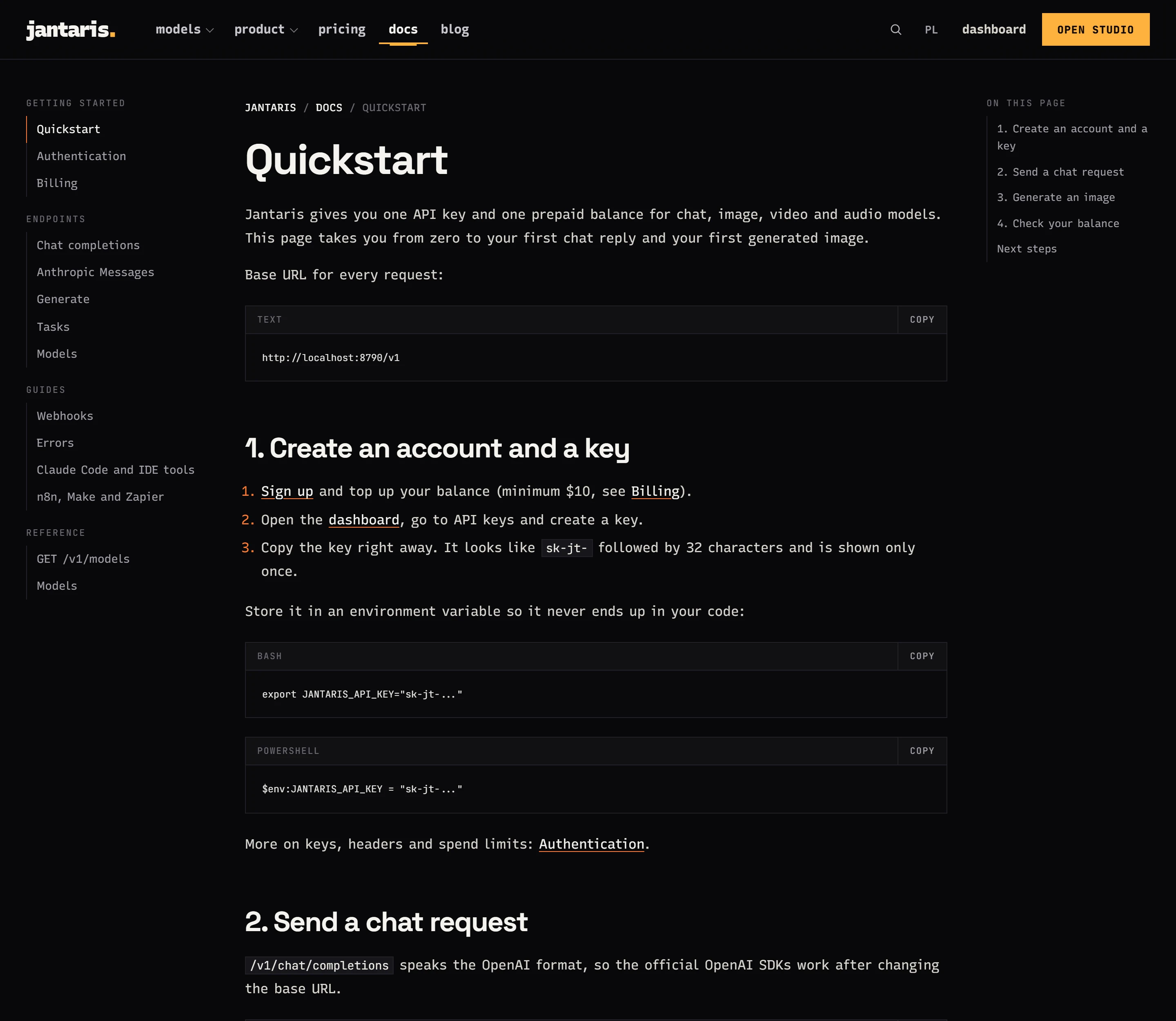
Jantaris serves an OpenAI-compatible /v1/chat/completions, so you keep the official OpenAI SDK and change only the base URL and key.
pip install openai
export JANTARIS_API_KEY=sk-jt-...import os
from openai import OpenAI
client = OpenAI(base_url="https://jantaris.com/v1", api_key=os.environ["JANTARIS_API_KEY"])
resp = client.chat.completions.create(
model="gpt-6-sol",
messages=[
{"role": "system", "content": "Be concise."},
{"role": "user", "content": "List the risks of upgrading MySQL 5.7 to 8.4."},
],
)
print(resp.choices[0].message.content)
print(resp.usage) # prompt_tokens and completion_tokens - this is what you pay forNode.js:
import OpenAI from "openai";

const client = new OpenAI({ baseURL: "https://jantaris.com/v1", apiKey: process.env.JANTARIS_API_KEY });

const resp = await client.chat.completions.create({
  model: "gpt-6-luna",
  messages: [{ role: "user", content: "Label this ticket: 'I cannot log in to the dashboard'. Options: account, billing, bug." }],
});
console.log(resp.choices[0].message.content);
Plain curl:
curl https://jantaris.com/v1/chat/completions \
  -H "Authorization: Bearer $JANTARIS_API_KEY" \
  -H "Content-Type: application/json" \
  -d '{"model": "gpt-6-astra", "messages": [{"role": "user", "content": "Find gaps in this test plan."}]}'
Streaming (stream: true) and tool calls (tools) work exactly as in the OpenAI API. The full reference is in the chat completions docs.
Paying for GPT-6 without a subscription
Jantaris bills chat models per token from a prepaid balance:
- prices in USD, shown before you send anything,
- top-ups from $10, with packs of $10, $25, $50, $100 and $250,
- the balance never expires, and there is no subscription or minimum commitment,
- a request that fails is not charged,
- the same key covers Claude, Gemini, DeepSeek and the image, video and music models.
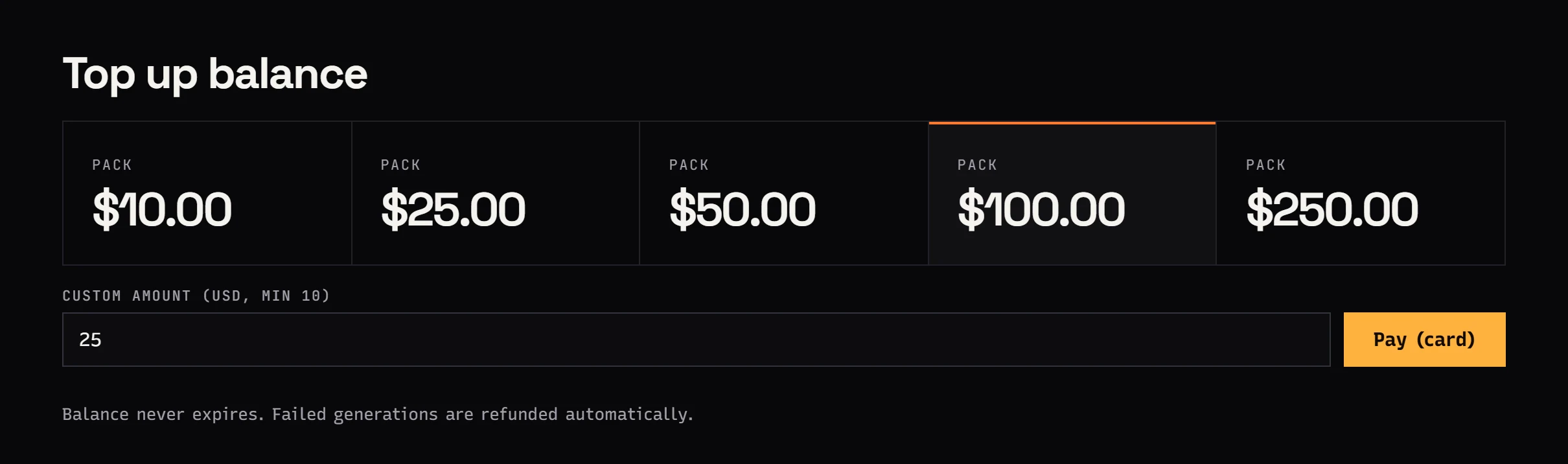
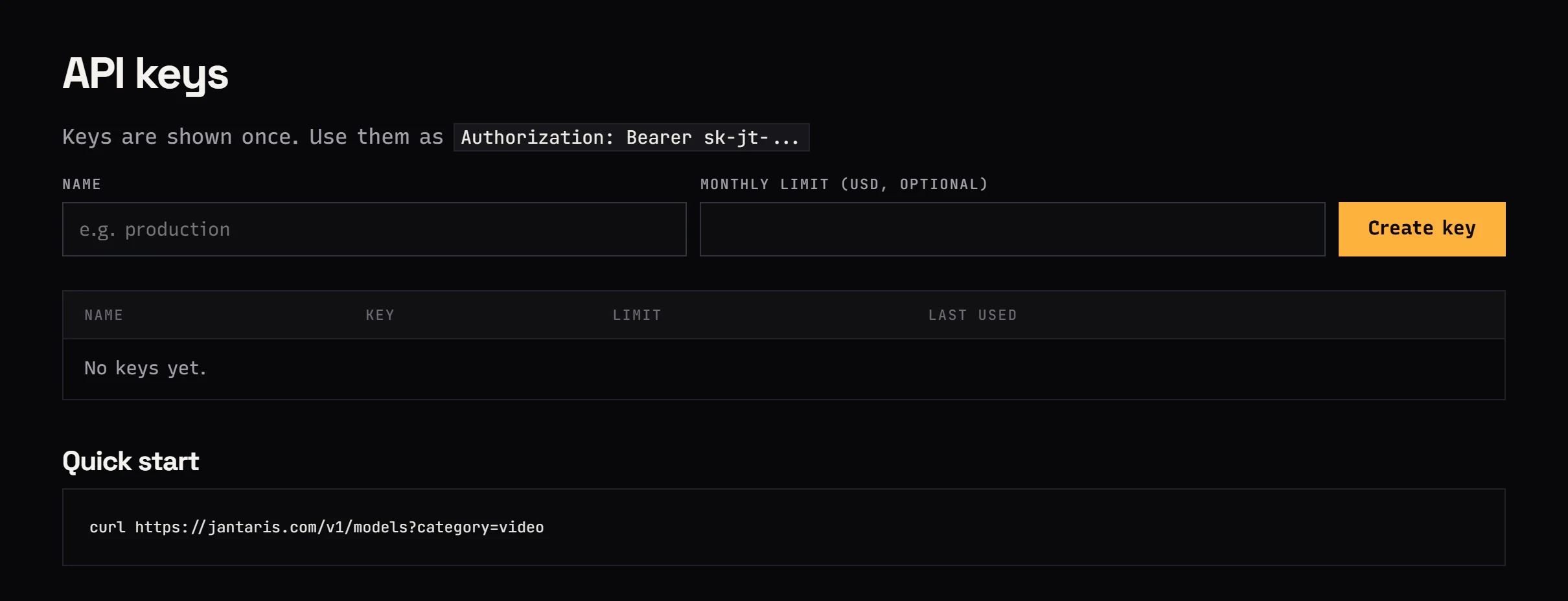
To start: sign up, top up, and create an API key in the dashboard. Give the key a monthly spend limit. When a request would cross it, the API returns 403, so a looping script stops at the limit instead of draining the balance. I always use a separate, low-limit key for Astra.
How to cut GPT-6 costs
- Route by difficulty. Luna takes most traffic, Sol only what Luna gets wrong. One dictionary in your code, one line to change a model.
- Keep the system prompt short. It is sent with every request. 2K tokens of instructions times 10K requests a day is 20M input tokens.
- Set
max_tokens. Especially for tasks where the answer should be short. - Trim chat history. Keep the last few turns plus a short summary of older ones.
- Measure. Log
usagefrom every response and compute cost on your own data. Estimates from tables rarely match real traffic.
If you want the cheapest models overall, not only OpenAI's, I compared them on 1,000 support-chat replies in Cheapest LLM API in 2026. For Claude, see Claude Opus 5.5 API pricing.
FAQ
How much does the GPT-6 API cost?
In Jantaris GPT-6 Luna costs $0.108 / $0.54 per 1M tokens, GPT-6 Sol $2.16 / $10.80 per 1M tokens and GPT-6 Astra $10.80 / $54.00 per 1M tokens. You pay from a prepaid balance with no subscription.
What is the difference between GPT-6 Sol and Astra?
Astra is OpenAI's flagship for the hardest work. Sol is the cheaper model for everyday difficult tasks. All three GPT-6 models have a 1.05M-token context. Start with Sol and switch only the cases that fail your tests to Astra.
Is GPT-6 Luna good enough for a chatbot?
For most support chatbots, yes. OpenAI designed it for chat, classification and light agents. Test it on a few dozen real conversations and route the hard questions to Sol.
Is there a free GPT-6 API?
Not in Jantaris. There is no free plan and no starter credit. The minimum top-up is $10, the balance never expires, and failed requests cost nothing.
Can I keep my existing OpenAI SDK code?
Yes. Set base_url to https://jantaris.com/v1, use your sk-jt-... key, and set model to gpt-6-sol, gpt-6-luna or gpt-6-astra. Streaming and tool calls work unchanged.


