Remove Vocals From a Song With AI - Karaoke and Acapella
Remove vocals from a song with AI: Music Extractor keeps the instrumental for karaoke, Vocal Remover keeps the voice. Per-minute pricing, Studio and API.
 Piotr Olszewski2026-10-028 minPolski
To remove vocals from a song with AI on Jantaris, run the track through Music Extractor: it returns the instrumental with the voice taken out, ready for karaoke or a cover. If you want the opposite, the voice alone (an acapella), use Vocal Remover. Each costs $0.50 per minute of source audio, and every started minute counts, so a 3:30 song is 4 × $0.50 per minute. This guide covers both tools in the browser Studio and over the API, what an album of karaoke tracks costs, and where the limits are.
Instrumental or acapella: pick the right tool
"Remove vocals" means two opposite jobs depending on who is asking. A singer wants the music without the voice. A producer wants the voice without the music. On Jantaris these are two separate models that take the same single input field:
| You want | Tool | Output | Price |
|---|---|---|---|
| karaoke track, cover backing, practice track | Music Extractor | everything except the vocal | $0.50 per minute |
| acapella for a remix, lip sync or vocal study | Vocal Remover | the vocal only | $0.50 per minute |
| vocals, drums and bass as separate files | Multistem Splitter | three stems in one task | $1.50 per minute |
Need both the instrumental and the acapella? Run both tools on the same file. For a 3-minute song that is 3 × $0.50 per minute plus 3 × $0.50 per minute. If you also want the drums and bass on their own, see the guide to AI stem separation.
Step by step in Jantaris Studio
Studio runs in the browser, so there is nothing to install. Both tools live in the Audio tab.
- Create an account and add funds (from $10, card payment).
- Open Studio, switch to the Audio tab and pick Music Extractor (instrumental) or Vocal Remover (voice) in the Model list.
- In Source audio (URL), click Upload file and choose the song. Studio accepts MP3 and WAV up to 25 MB. You can also paste a public link to the file instead.
- Check the Cost line (more on that number below) and press Generate.
- The result shows up in the gallery next to the form. Download it right away.
There is no prompt and no sliders. Both tools run on the vendor's default settings, so the quality of the result depends mostly on the file you feed in.

Why the Cost line shows more than you will pay
Audio tools bill by the length of the source file, and Jantaris does not know that length until it fetches the file. So before the job starts it holds a reserve equal to 10 minutes of audio, 10 × $0.50 per minute, and that is the amount Studio shows under Cost (over the API it is estimated_cost). When the job finishes, you are charged for the minutes actually started and the rest of the hold is released straight back to your balance. In practice this means your available balance has to cover the reserve, even for a 3-minute song.
Remove vocals over the API
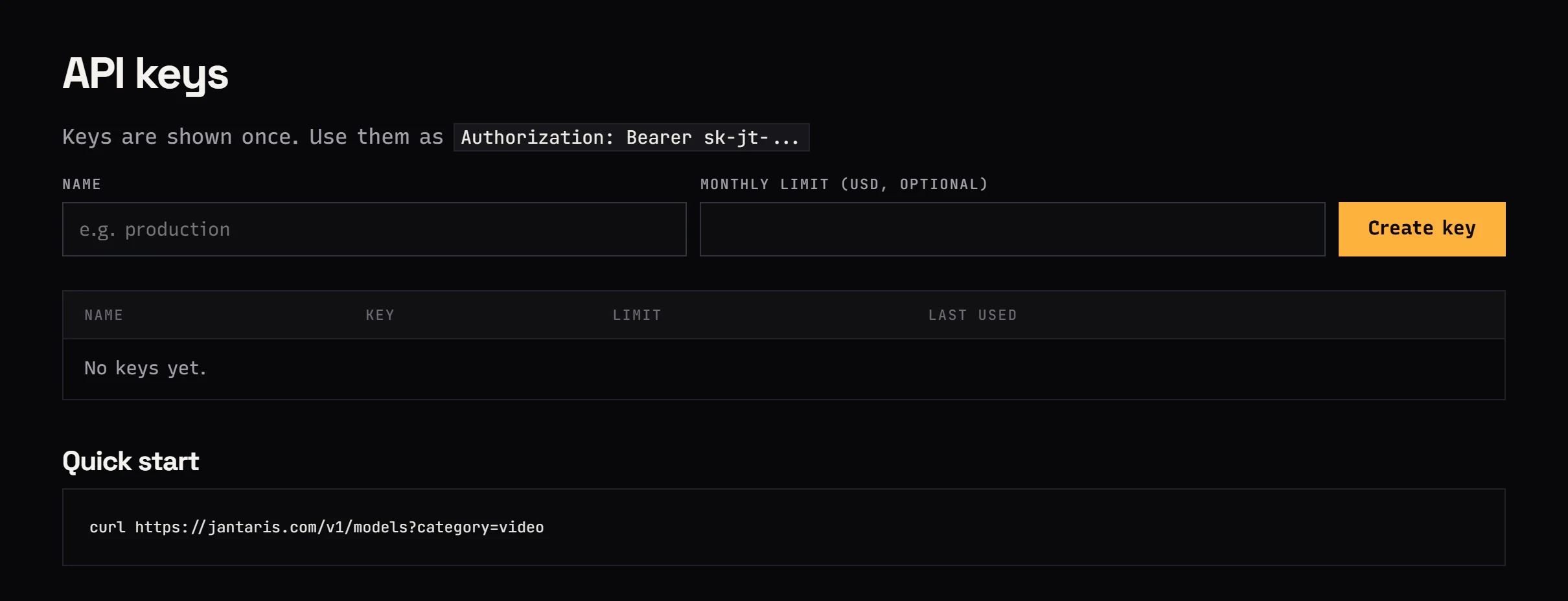
For a whole catalog, or a karaoke feature inside your own app, send the file to POST /v1/generate. The only input field is audio_url, a public http(s) link to the file with no login in front of it.
curl https://jantaris.com/v1/generate \
  -H "Authorization: Bearer $JANTARIS_API_KEY" \
  -H "Content-Type: application/json" \
  -d '{
    "model": "music-extractor",
    "input": { "audio_url": "https://your-server.com/audio/song.wav" }
  }'
The 202 response carries the task id, a poll_url and estimated_cost (the hold described above). Fetch the result with GET /v1/tasks/{id}:
curl https://jantaris.com/v1/tasks/task_8f2k... \
  -H "Authorization: Bearer $JANTARIS_API_KEY"
When status is succeeded, the output array holds the instrumental (type: "audio") and cost shows the final charge. A failed task costs $0.
Here is a JavaScript version (Node 18+, no dependencies) that produces both the karaoke track and the acapella for a list of songs and saves them to disk:
import { writeFile } from "node:fs/promises";

const API = "https://jantaris.com/v1";
const headers = {
  Authorization: `Bearer ${process.env.JANTARIS_API_KEY}`,
  "Content-Type": "application/json",
};

const songs = {
  "song-01": "https://your-server.com/audio/song-01.wav",
  "song-02": "https://your-server.com/audio/song-02.wav",
};

async function run(model, audio_url) {
  let task = await fetch(`${API}/generate`, {
    method: "POST", headers, body: JSON.stringify({ model, input: { audio_url } }),
  }).then((r) => r.json());
  while (!["succeeded", "failed"].includes(task.status)) {
    await new Promise((r) => setTimeout(r, 5000));
    task = await fetch(`${API}/tasks/${task.id}`, { headers }).then((r) => r.json());
  }
  return task;
}

for (const [name, url] of Object.entries(songs)) {
  for (const [model, suffix] of [["music-extractor", "karaoke"], ["vocal-remover", "acapella"]]) {
    const task = await run(model, url);
    if (task.status === "failed") { console.log(name, model, task.error); continue; }
    const out = task.output[0].url;
    const ext = out.split("?")[0].split(".").pop();
    const file = Buffer.from(await (await fetch(out)).arrayBuffer());
    await writeFile(`${name}-${suffix}.${ext}`, file);
    console.log(name, suffix, task.cost);
  }
}
For larger batches, pass webhook_url instead of polling and Jantaris will POST the finished task to your server with an HMAC signature (webhooks). Output links expire after a while, which is why the script saves files immediately. If you run this kind of pipeline from n8n or Make, the no-code docs show the setup.
What it costs
Billing is per started minute of the source file, rounded up. A 2:30 song bills as 3 minutes, a 3:01 song as 4.
| Job | Billed minutes | Cost |
|---|---|---|
| one 3:30 song, instrumental only | 4 | 4 × $0.50 per minute |
| same song, instrumental and acapella | 4 + 4 | 4 × $0.50 per minute + 4 × $0.50 per minute |
| 12 songs of about 3:40 for a karaoke night | 12 × 4 | 48 × $0.50 per minute |
| a 0:45 snippet for a short video | 1 | 1 × $0.50 per minute |
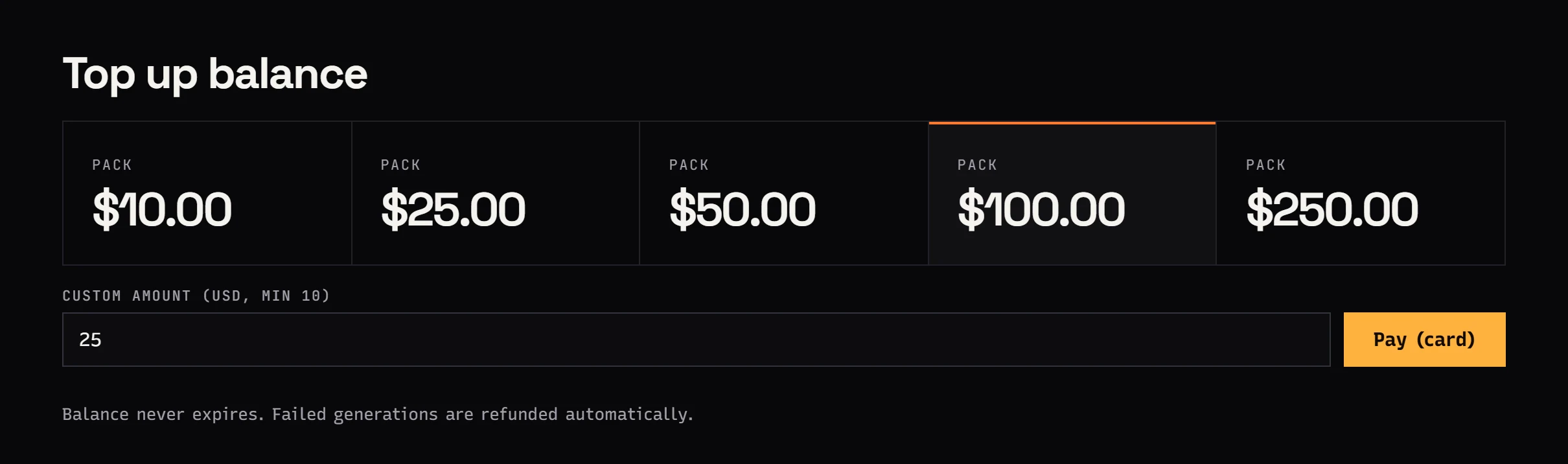
The balance is prepaid in USD, from $10, with no subscription and no expiry. Failed jobs are free because the hold is released in full. Rates for every model are on the pricing page.
Get a cleaner instrumental
AI separation can only work with what is in the mix. It cannot bring back detail that compression already threw away. Before you upload:
- Use the best source you have. WAV or FLAC from the master or the CD beats a low-bitrate MP3. FLAC works over the API as a link; Studio uploads take MP3 or WAV.
- Avoid re-encoding. Every MP3 generation adds artifacts that later turn into a watery, swirly sound in the instrumental.
- Trim silence and the parts you do not need. You pay per started minute, so four seconds of silence at the end can cost you a full minute.
- Split very long files sensibly. A live set can go in one piece, but shorter chunks are easier to check.
Limits worth knowing
What Jantaris exposes today, stated plainly:
- No lead and backing vocal split. The vendor engine has it, Jantaris does not expose it yet. Backing vocals come out with the lead vocal.
- No dereverb and no choice of separation engine. Jobs run on defaults.
- Default output format. There is no format picker; convert locally if you need something specific.
- No YouTube or Spotify links.
audio_urlmust point directly at an audio file. - Vocal effects can bleed into the instrumental. A long reverb tail or delay on the voice is often baked into the mix, and separation does not always remove all of it. Listen before you publish.
Rights
The tool does not change who owns the recording. Pulling the instrumental out of someone else's song is fine for singing along at home, but publishing a cover, a karaoke video or a remix needs permission from the rights holders or a platform licence that covers it. Your own recordings and songs you generated yourself, for example with Mureka V9, are the easy case. The Mureka V9 guide shows how to make one, and the Suno API alternative post compares the options. An instrumental without vocals also works well under a voiceover in an AI music video.
FAQ
How do I remove vocals from a song with AI?
In Jantaris Studio open the Audio tab, pick Music Extractor, upload an MP3 or WAV and press Generate. You get the song without the voice. Over the API, send POST /v1/generate with the model music-extractor and the file link in audio_url.
Is there a free way to remove vocals?
Jantaris has no free tier and no signup credits. You pay $0.50 per minute, with every started minute counted, from a prepaid balance that starts at $10 and never expires, and failed jobs cost nothing. Some desktop editors and vendor apps have free options with their own limits.
Can I remove vocals from a YouTube song?
You cannot pass a YouTube link. The tool needs a direct audio file, and ripping music from YouTube usually breaks both its terms and copyright. Use a file you have the rights to.
How do I get just the vocals?
Use Vocal Remover instead of Music Extractor. The input is the same audio_url field, and the output is the voice on its own, backing vocals included.
How much does one karaoke track cost?
A 3:30 song is 4 started minutes, so 4 × $0.50 per minute. Before the job starts Jantaris holds a reserve for 10 minutes, then charges only for the real length and releases the rest.
Which audio files work best?
Uncompressed WAV or FLAC from the original source gives the cleanest result. Heavily compressed MP3s work, but their artifacts tend to show up in the separated tracks.