











Comparison · Image models
Z-Image Turbo vs FLUX.2 [pro]
Z-Image Turbo or FLUX.2 [pro]? The cheapest text-to-image option versus photorealism, 2K and 8 references. Differences, price gap and test results.
Specs side by side
| Z-Image Turbo | FLUX.2 [pro] | |
|---|---|---|
| Vendor | Alibaba | Black Forest Labs |
| Type | Image | Image |
| Modes | text-to-image | text-to-image multi-image-reference |
| Released | 2025-11 | 2025-11 |
| Aspect ratios | 1:1, 4:3, 3:4, 16:9, 9:16 | 1:1, 4:3, 3:4, 16:9, 9:16, 3:2, 2:3, auto |
| Prompt length | up to 1,000 chars | up to 5,000 chars |
| Resolutions | - | 1K, 2K |
| Reference images | - | up to 8 |
Price per unit and per clip
| Model | Variant | Rate |
|---|---|---|
| Z-Image Turbo | - | $0.02 / image |
| FLUX.2 [pro] | 1K | $0.0688 / image |
| 2K | $0.0963 / image |
Prices exclude taxes and are charged from your prepaid USD balance. Failed generations cost nothing.
Z-Image Turbo is a model for volume work and prompt testing: text-to-image only, no resolution choice, at a fraction of FLUX.2 [pro]'s price. Pick FLUX.2 [pro] when the image is going to be published, when you need 2K, or when you want to build a scene from several reference photos. In my tests FLUX.2 [pro] produced clearly better images.
Key differences
- Input. Z-Image Turbo generates from text only. FLUX.2 [pro] also takes up to 8 reference images.
- Resolution. Z-Image Turbo has no resolution setting. FLUX.2 [pro] offers 1K and 2K.
- Aspect ratios. Z-Image: 1:1, 4:3, 3:4, 16:9, 9:16. FLUX.2 [pro] adds 3:2 and 2:3.
- Prompt. Up to 1,000 characters in Z-Image Turbo, 5,000 in FLUX.2 [pro].
- In-image text. Z-Image lists English and Chinese text rendering. In my tests both models got Polish diacritics wrong.
- Speed. In a 32-model test on another provider, Z-Image returned an image in about 3.5 s, FLUX.2 [pro] in about 10-11 s.
When to pick Z-Image Turbo
- Hundreds of blog or shop illustrations generated by a script.
- Testing a prompt before running it on a pricier model.
- Backgrounds and scenes for reels on a tight budget.
- Short English text, such as a one-word sign.
When to pick FLUX.2 [pro]
- A photorealistic product image for publication.
- A scene assembled from several photos: product, person, background.
- 2K output.
- Long prompts that describe light, lens and composition.
Cost in practice
FLUX.2 [pro] at 1K costs about 3.4 times as much per image as Z-Image Turbo, and at 2K about 4.8 times as much. At 100 images that gap shows in your balance; at a handful it hardly matters. Neither model charges for references (Z-Image takes none). Rates: $0.02 per image and from $0.0688 per image (1K); all models on /pricing.
My tests on promptowy.com (Polish blog): in the image ranking FLUX.2 [pro] scored 7.6/10 and Z-Image Turbo (run locally, same model) 5.7/10. Z-Image misspelled the accented Polish sign and drew in the masthead of a magazine whose style it was only meant to imitate; FLUX.2 [pro] also dropped accents on the sign. In an earlier 32-model test Z-Image correctly spelled a made-up word (no diacritics) on a sign, and FLUX.2 [pro] was among the photorealism leaders. More: Z-Image Turbo API, GPT Image 2.5 vs Nano Banana Pro vs FLUX.2.
FAQ
Z-Image Turbo or FLUX.2: which is better?
For images you will publish, FLUX.2 [pro]: better photorealism and reference support. For volume work and drafts, Z-Image Turbo: several times cheaper and faster.
How much do 100 Z-Image Turbo images cost?
100 times $0.02 per image. Failed generations are not charged.
Which is better for text in images?
For English, both can manage short words. For text with diacritics I would use neither; Nano Banana Pro or GPT Image 2.5 did better in my tests.
Can Z-Image Turbo edit photos?
No, it accepts no input images. For edits and reference-based scenes, use FLUX.2 [pro].
Vendor examples
Z-Image Turbo

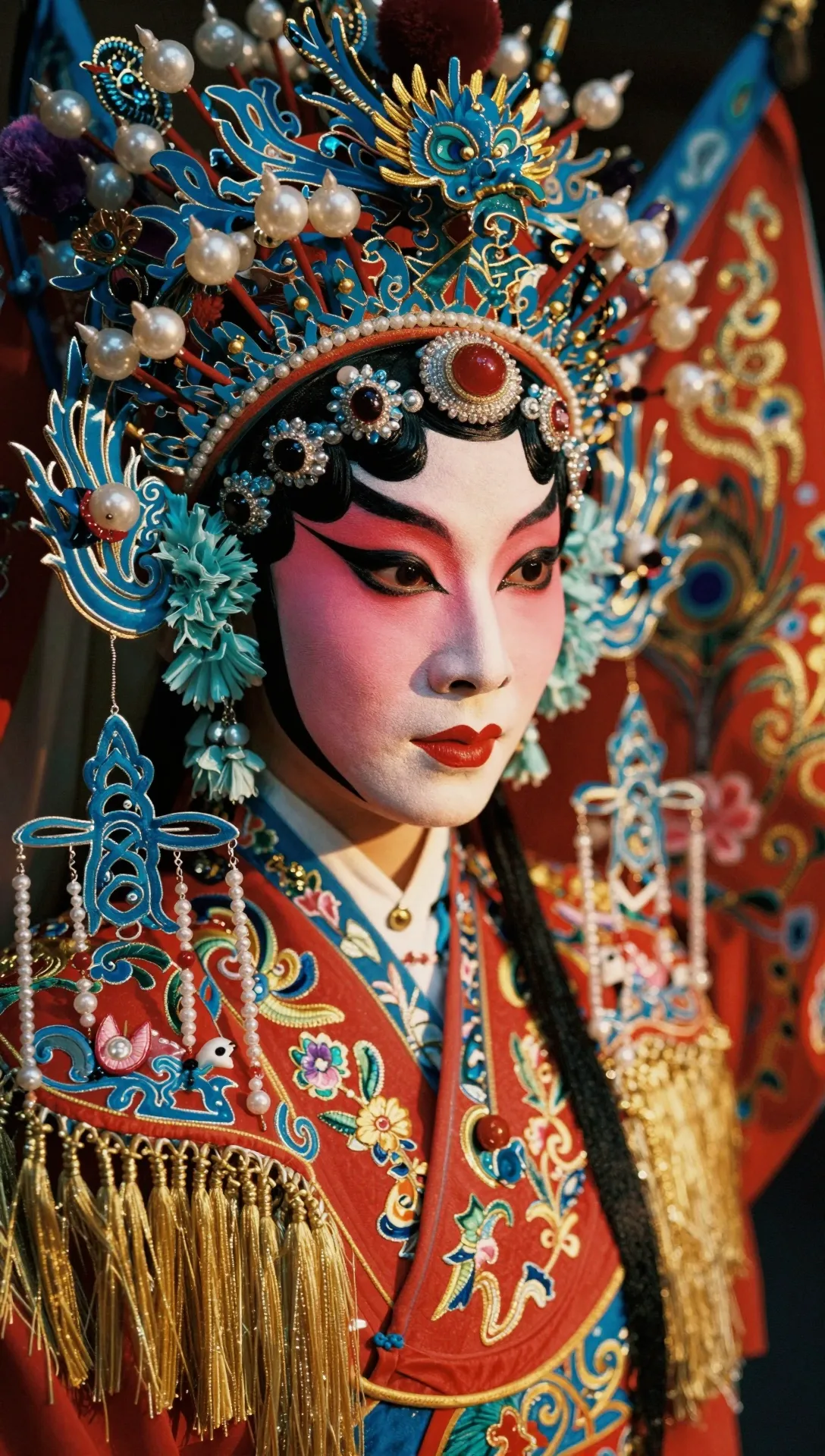
FLUX.2 [pro]


Official examples from the model vendors, not our generations.