











AI Product Video Workflow - From Packshot to 9:16 Ad
A repeatable AI ad workflow: product packshot in Nano Banana Pro, image-to-video in Kling 3.0, music from Mureka V9, 9:16 export and full cost per ad.
 Piotr Olszewski2026-10-029 minPolski
An AI product video comes together in four steps: generate a packshot of the product with an image model (Nano Banana Pro, from $0.0747 per image), animate that frame with an image-to-video model (Kling 3.0, from $0.169 per second), add a soundtrack from Mureka V9 ($0.124 per song), and cut it to 9:16 in your editor. Each step runs in Jantaris Studio or through one API with one key and one balance. Below is the workflow I use, what went wrong in my own tests, the cost formula and a Python script that chains the three generation steps.
Before you generate: lock the format
Write down four things first:
- aspect ratio: 9:16 for Reels, TikTok and Shorts, 1:1 or 4:5 for feed posts, 16:9 for YouTube and banners,
- length: most product spots run 10-20 seconds, which means two or three shots,
- shot list: for example "product on slate, slow push-in" and "macro detail, light sweeps across",
- audio: a generated song, the video model's own sound, or music plus captions.
Pick the aspect ratio first. Changing it halfway means regenerating the images, and as my test below shows, the product itself can change with it.
Step 1: the packshot
The packshot becomes the first frame of your video, so this is where quality is decided. Two image models I reach for:
| Nano Banana Pro | GPT Image 2.5 | |
|---|---|---|
| Price | from $0.0747 per image | $0.0432 per image |
| Vertical sizes | 9:16, 4:5, 3:4, 2:3 | 1024x1536 (2:3) |
| Reference images | up to 14 | up to 16 |
| Output size | 1k, 2k, 4k | up to 1536 px tall |
For a 9:16 ad I use Nano Banana Pro because it renders that ratio natively. GPT Image 2.5 tops out at a 2:3 portrait on Jantaris, so plan to crop and leave headroom above and below the product.
Always pass the real product as a reference
If the ad is for a product that exists, upload a photo of it as a reference (Reference images in Studio, image_urls in the API) and let the prompt describe the scene, not the object:
Studio product photo of this perfume bottle on wet black stone, water splash
frozen around the base, warm rim light, dark background, no other text, no logos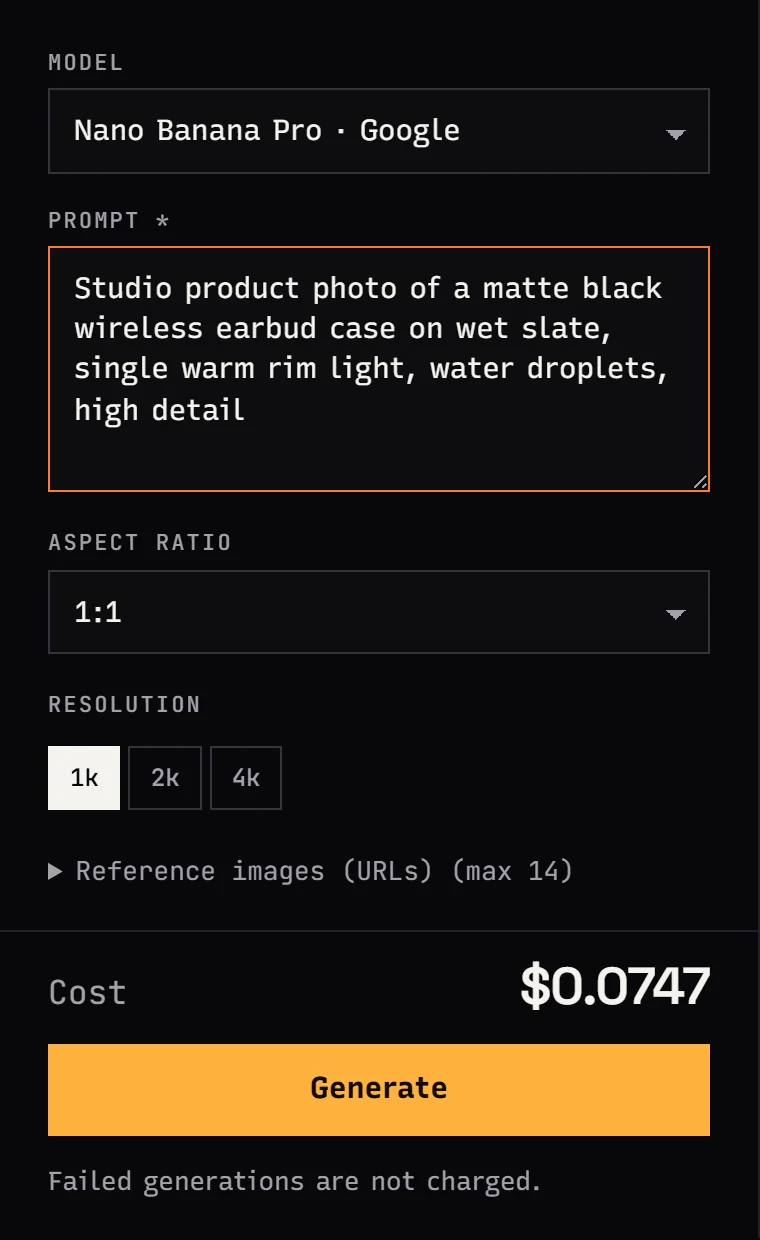
My test: one prompt, one seed, three aspect ratios
To see what happens when only the format changes, I generated an amber pendant as a stand-in product with Z-Image Turbo (Z-Image Turbo, run locally on an RTX 4090 at 9 steps, about 4-5 seconds per image). Same prompt, same seed, three ratios:
macro product photo of a raw Baltic amber pendant with a tiny insect inclusion,
lying on dark wet slate, a single warm backlight making the amber glow,
shallow depth of field, high detail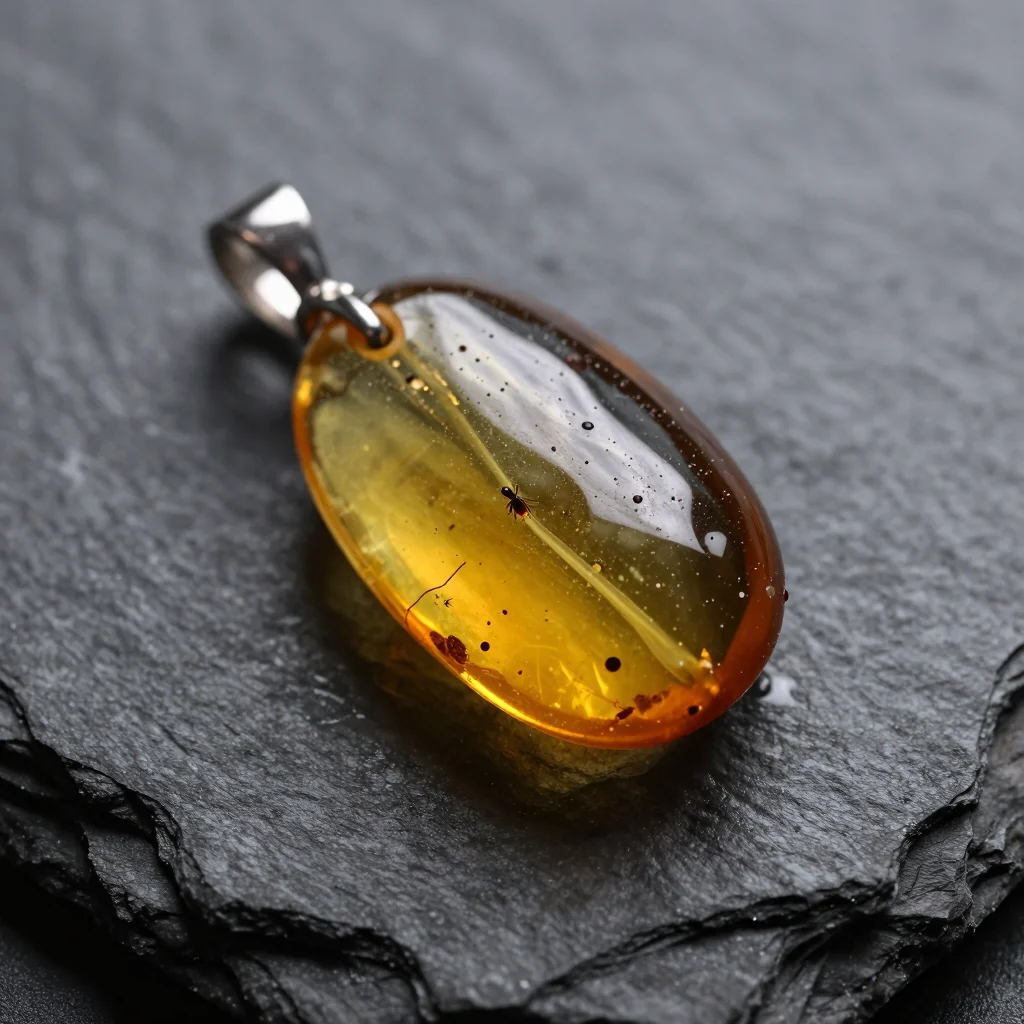
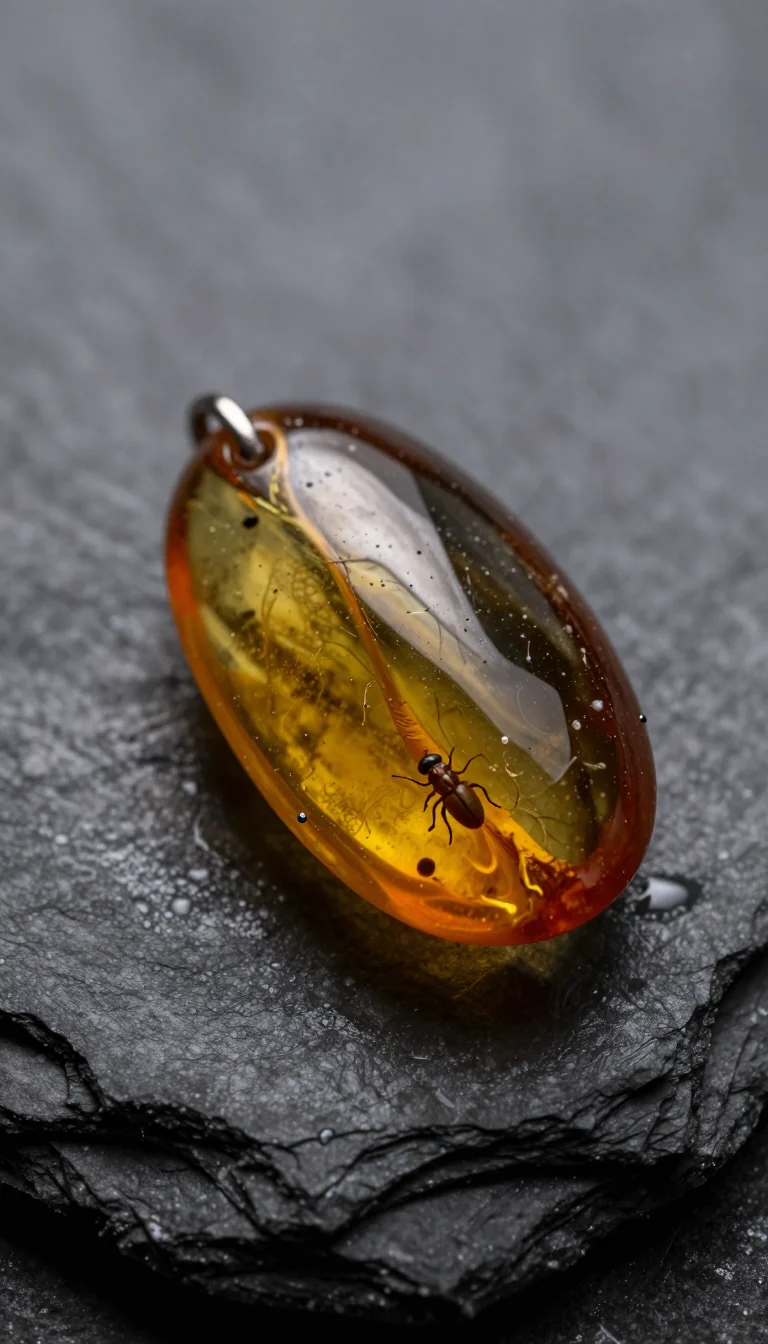

Every ratio produced a different pendant: different bail, different inclusion, different stone. For an invented product that is harmless. For a real one it means:
- generate directly in the target ratio instead of cropping a square later,
- pass the product photo as a reference for every format so the model does not reinvent it,
- explore composition and lighting with a cheap model such as Z-Image ($0.02 per image), then make the final reference-based packshot on Nano Banana Pro.
Watch for stray text and other brands' logos
In a separate test of ad packshots on my Polish blog (promptowy.com), the main slogans rendered correctly, but models sometimes added small text nobody asked for or a logo resembling a real brand.
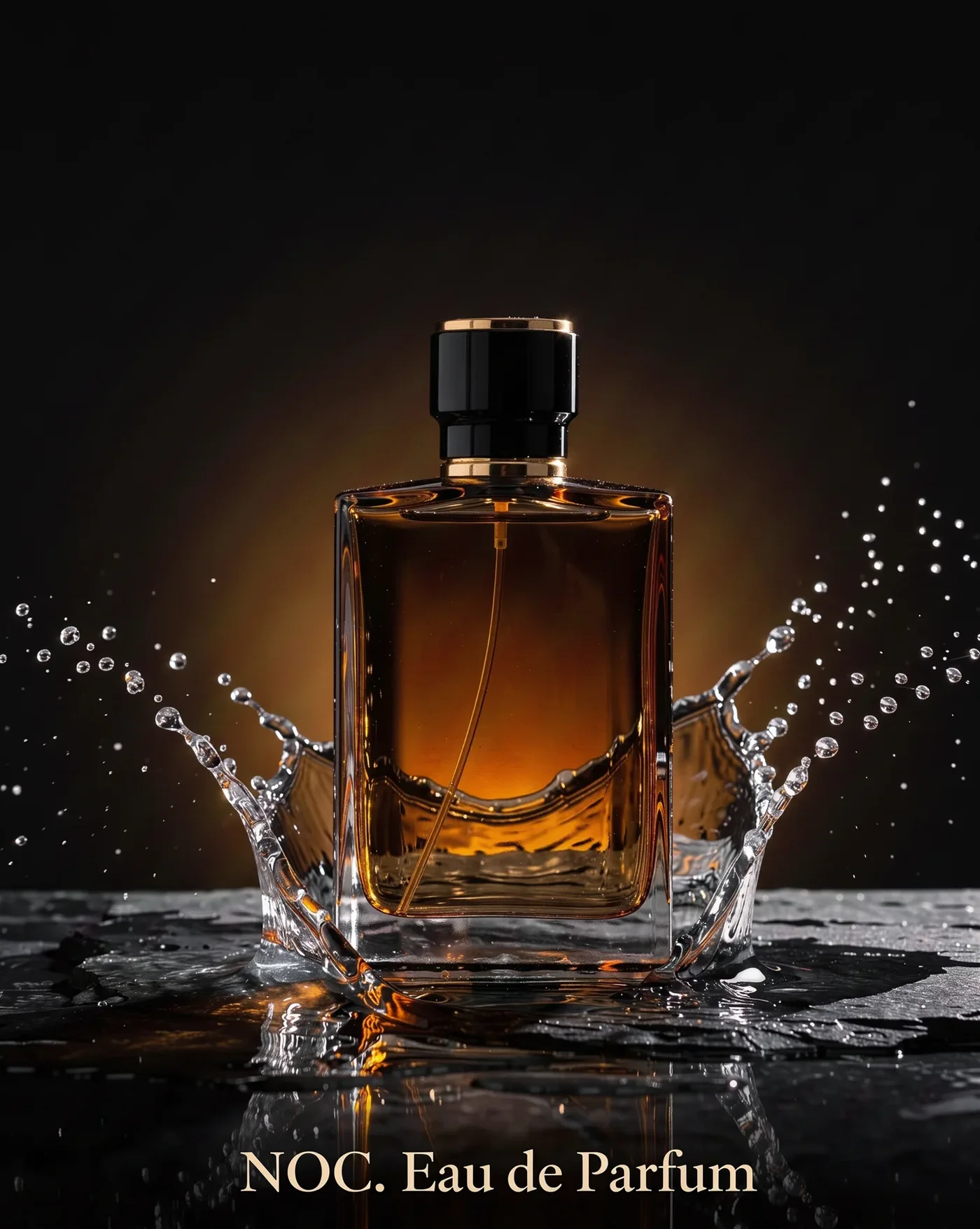
So I add no other text, no logos to ad prompts and put the real logo on in the edit. For prompt structure in general, see the AI image prompt guide.
Step 2: image-to-video
The packshot goes in as the first frame, and the prompt describes motion only.
| Kling 3.0 | Seedance 2.5 | |
|---|---|---|
| Price | from $0.169 per second | from $0.261 per second |
| Clip length | 3-15 s | 4-30 s |
| Resolution | 720p, 1080p, 4K | 480p, 720p, 1080p |
| Aspect ratio | 16:9, 9:16, 1:1 (follows the start image) | 16:9, 9:16, 1:1, 4:3, 3:4, 21:9 |
| Audio | optional | on by default |
| End frame | yes | yes |
Kling 3.0 is my pick for short, polished product shots. Its listed "from" price is the 720p tier; 1080p and 4K cost more per second, and Studio shows the exact amount for your settings. Seedance 2.5 is the choice when you want one continuous take of up to 30 seconds.
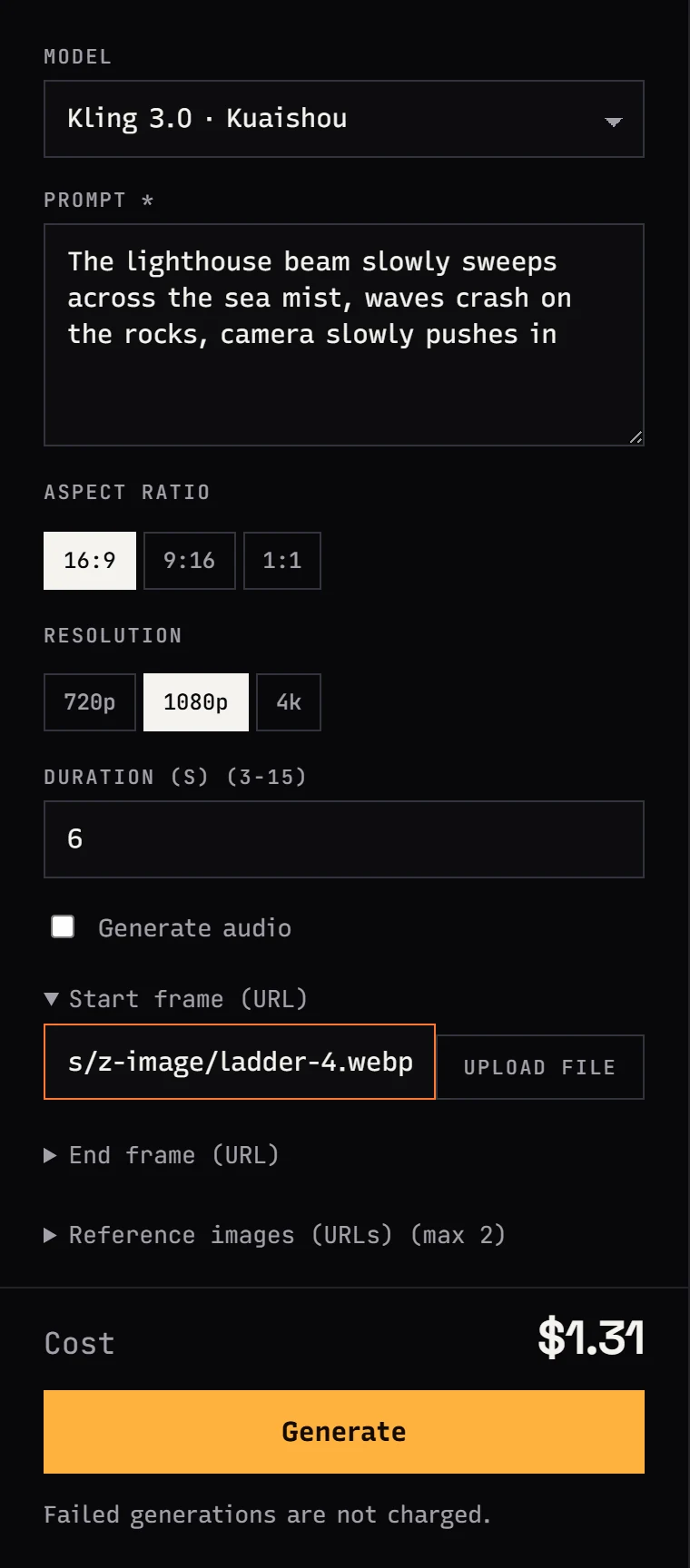
Motion prompts that suit products:
slow push-in towards the product, the backlight slowly intensifiesthe camera slowly orbits the product, product stays still and centeredlight sweeps across the surface, droplets glisten, camera staticshallow focus pull from the background to the product
I avoid prompts where the product spins by itself or a hand picks it up. Label text and hands are where AI video most often warps, so for a branded product I move the camera and the light, not the object. More moves in AI video prompts: camera moves, and the full photo-to-video process in the image-to-video guide.
Seedance 2.5 also edits existing video, including swapping a product while keeping the original motion and framing. That is useful when you already have one good spot and need versions for other products.
Step 3: music
Mureka V9 writes a full song around your lyrics and a style prompt, so the brand line can be the chorus. The price is $0.124 per song, regardless of length.
- For a 15-second spot, one verse and one chorus is plenty. Trim in the edit.
- Need a backing track without vocals? Run the song through Music Extractor.
- The alternative is the video model's own audio (default in Seedance 2.5, optional in Kling 3.0). It is fine for ambience and effects, not for a song with your slogan.
Parameters and code for the music step are in the Mureka V9 API guide.
Step 4: cut to 9:16
- Lay the shots on a 9:16 timeline and trim the first and last frames of each clip, which tend to be the weakest.
- Add the music and a fade at the end.
- Add captions and the logo as editor layers, not in the prompt.
- Keep the bottom and right edges clear: platform UI covers them.
- Watch the export on a phone before you publish.
What an AI product ad costs
The formula I use for every quote:
ad cost = (images × price per image)
        + (video seconds × takes × price per second)
        + (songs × price per song)
Worked example: a 9:16 spot of about 14 seconds, two shots of 7 seconds each.
| Item | Quantity | Cost |
|---|---|---|
| Packshots | 4 variants, keep 2 | 4 × from $0.0747 per image |
| Kling 3.0 video | 2 shots × 7 s × 2 takes = 28 s | 28 × from $0.169 per second |
| Music | 2 songs to choose from | 2 × $0.124 per song |
| Captions, logo, edit | your editor | $0 from the balance |
Prices are inserted from the pricing page, so the table is current when you read it. The Kling "from" rate is 720p; at 1080p use the higher per-second rate Studio shows. The 2× multiplier covers takes that render fine but do not make the cut. Tasks that end failed cost nothing because the hold is released in full. For a deeper per-second breakdown see AI video cost per second and Kling 3.0 API pricing.
Automating the workflow with Python
For a catalog of products, script the three generation steps. Endpoints and fields match the generate docs:
import os, time, pathlib, requests

API = "https://jantaris.com/v1"
HEADERS = {"Authorization": f"Bearer {os.environ['JANTARIS_API_KEY']}"}

def run(model: str, input: dict, wait: int = 0) -> dict:
    params = {"wait": wait} if wait else None
    task = requests.post(f"{API}/generate", params=params, headers=HEADERS,
                         json={"model": model, "input": input}, timeout=wait + 30).json()
    delay = 2
    while task["status"] not in ("succeeded", "failed"):
        time.sleep(delay)
        delay = min(delay * 1.5, 15)
        task = requests.get(f"{API}/tasks/{task['id']}", headers=HEADERS, timeout=30).json()
    if task["status"] == "failed":
        raise RuntimeError(f"{model}: {task['error']}")
    print(model, task["cost"])
    return task

def save(task: dict, name: str) -> None:
    url = task["output"][0]["url"]  # temporary link, download right away
    pathlib.Path(name).write_bytes(requests.get(url, timeout=300).content)

# 1. 9:16 packshot with the real product as a reference
img = run("nano-banana-pro", {
    "prompt": "Studio product photo of this amber pendant on dark wet slate, warm backlight, "
              "shallow depth of field, no other text, no logos",
    "aspect_ratio": "9:16",
    "resolution": "2k",
    "image_urls": ["https://your-store.example.com/images/pendant.jpg"],
}, wait=60)
save(img, "packshot.png")

# 2. Animate it with Kling 3.0 (aspect ratio follows the start image)
video = run("kling-3.0", {
    "prompt": "slow push-in towards the pendant, the backlight slowly intensifies, camera only moves forward",
    "image_url": img["output"][0]["url"],
    "duration": 7,
    "resolution": "1080p",
    "generate_audio": False,
})
save(video, "shot1.mp4")

# 3. Soundtrack
song = run("mureka-v9", {
    "lyrics": "[Verse]\nLight held still in a drop of time\n[Chorus]\nAmber keeps the moment mine",
    "prompt": "cinematic pop, warm piano, soft female vocal, 90 bpm",
}, wait=120)
save(song, "music.mp3")
With many products in flight, replace the polling loop with webhooks. I still do the edit by hand: captions and logo placement are faster to judge by eye than to script.
FAQ
How do I make an AI product video?
Generate a packshot in the target aspect ratio with an image model (Nano Banana Pro, with a photo of the product as a reference), animate it with an image-to-video model such as Kling 3.0 or Seedance 2.5, add music from Mureka V9, and finish captions and logo in your editor.
How much does an AI product ad cost?
Images plus video seconds plus songs. For two 7-second shots with one retake each: 4 × from $0.0747 per image + 28 × from $0.169 per second + 2 × $0.124 per song. Failed generations are not charged.
Which model is best for AI product video?
Kling 3.0 for short, polished 3-15 second shots at 720p, 1080p or 4K. Seedance 2.5 for a single take up to 30 seconds with generated audio, or for swapping a product inside an existing clip.
Will the AI show my actual product?
Only if you give it a photo as a reference. Without one the model invents the object, and in my test the same prompt and seed produced three different pendants in three aspect ratios.
Should I put the logo and slogan in the prompt?
It works sometimes, but adding them in the edit is safer. Models can add stray text or another brand's logo, and label text tends to warp in video.
Can I do this without code?
Yes. All three steps run in Jantaris Studio in the browser, under the Image, Video and Audio tabs, paid from one prepaid balance starting at $10.


