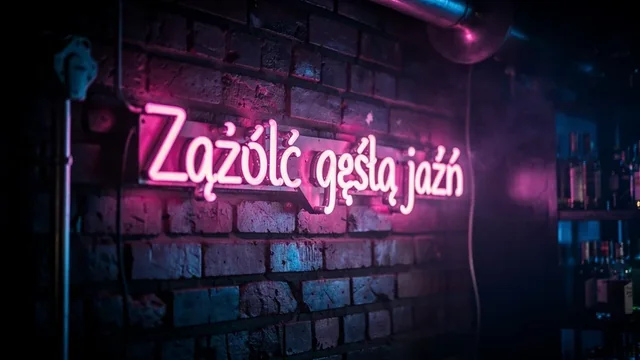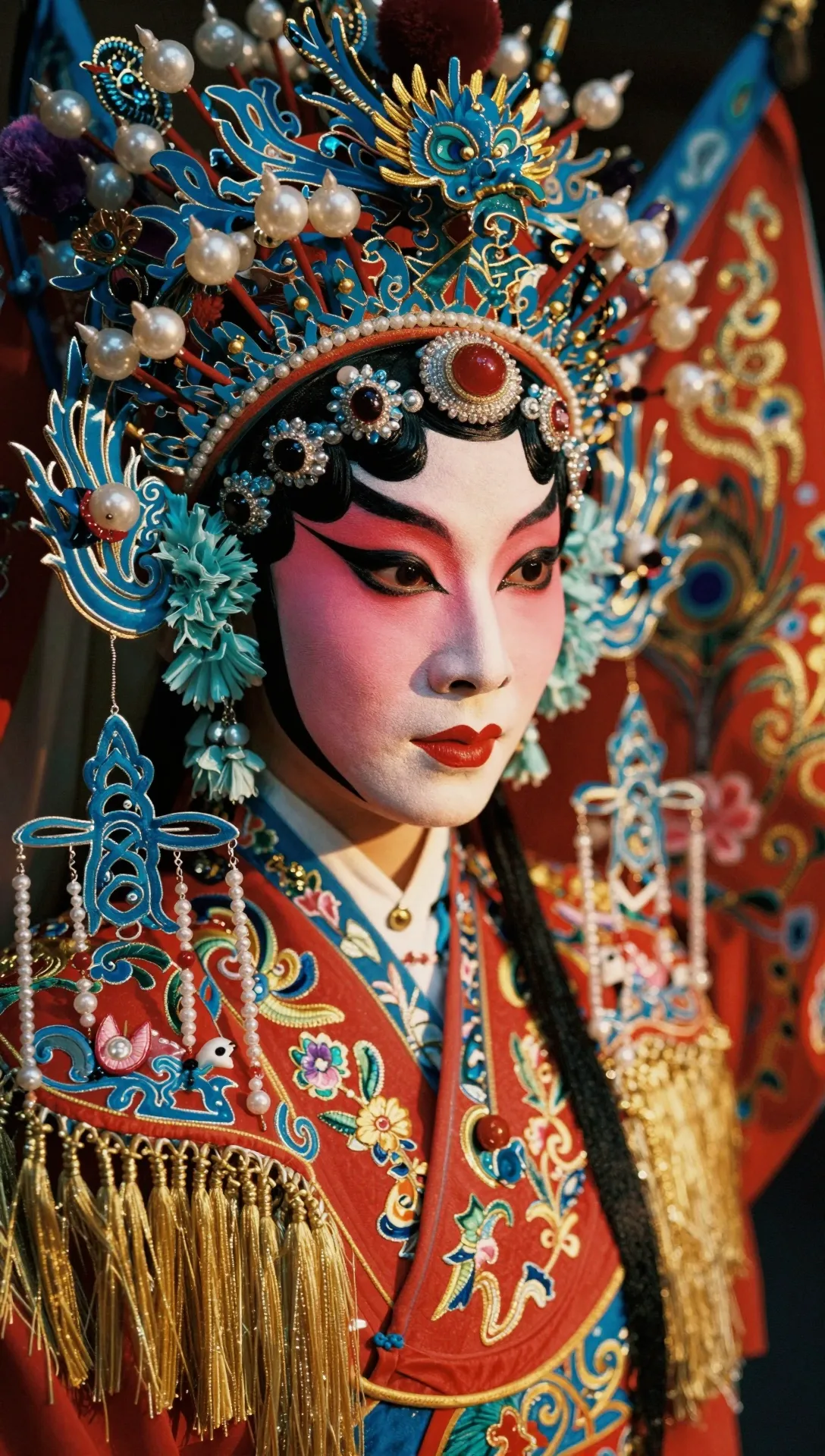
Z-Image Turbo is Alibaba Tongyi's Z-Image-Turbo, released in November 2025 as a fast, low-cost text-to-image model. It produces photorealistic images and can render English and Chinese text inside them. The feature set is deliberately small: one image per request, 5 aspect ratios (1:1, 4:3, 3:4, 16:9, 9:16), no resolution control and no image input. Prompts are capped at 1,000 characters. That makes it a sensible default for bulk generation where cost matters more than options.
Best for
- Bulk illustrations for blogs and content sites
- Placeholder and mockup images during app development
- Social posts with short English or Chinese captions in the image
- Quick photoreal drafts before a final render on a larger model
Prompting tips
- Keep prompts concise; 1,000 characters is the limit.
- Put short in-image text in quotes, in English or Chinese.
- Set
aspect_ratioexplicitly; the default is 1:1. - For seed control, see Z-Image Pro.
FAQ
How much does Z-Image Turbo cost?
It is billed at $0.02 per image. Jantaris shows the estimate before submission, and a failed generation is not charged.
Can Z-Image Turbo edit a photo?
No, it has no image input. For edits use Qwen Image 2 or FLUX.1 Kontext [pro].
What resolution does Z-Image Turbo produce?
There is no resolution setting. You choose the aspect ratio and the model sets the size.
How to call Z-Image Turbo via API
curl https://jantaris.com/v1/generate?wait=60 \
  -H "Authorization: Bearer $JANTARIS_API_KEY" \
  -H "Content-Type: application/json" \
  -d '{
  "model": "z-image",
  "input": {
    "prompt": "Product photo of a matte black ceramic coffee cup on a travertine table, soft window light, 50mm",
    "aspect_ratio": "1:1"
  }
}'
import os, time, requests
API = "https://jantaris.com/v1"
H = {"Authorization": f"Bearer {os.environ['JANTARIS_API_KEY']}"}
task = requests.post(f"{API}/generate", headers=H, json={
"model": "z-image",
"input": {
"prompt": "Product photo of a matte black ceramic coffee cup on a travertine table, soft window light, 50mm",
"aspect_ratio": "1:1"
}
}).json()
while task["status"] in ("queued", "running"):
time.sleep(3)
task = requests.get(f"{API}/tasks/{task['id']}", headers=H).json()
print(task["status"], task["cost"], [o["url"] for o in task["output"]])const API = "https://jantaris.com/v1";
const headers = { Authorization: `Bearer ${process.env.JANTARIS_API_KEY}`, "Content-Type": "application/json" };
let task = await (await fetch(`${API}/generate`, {
method: "POST",
headers,
body: JSON.stringify({
"model": "z-image",
"input": {
"prompt": "Product photo of a matte black ceramic coffee cup on a travertine table, soft window light, 50mm",
"aspect_ratio": "1:1"
}
}),
})).json();
while (task.status === "queued" || task.status === "running") {
await new Promise((r) => setTimeout(r, 3000));
task = await (await fetch(`${API}/tasks/${task.id}`, { headers })).json();
}
console.log(task.status, task.cost, task.output.map((o) => o.url));Parameters
| Parameter | Type | Allowed | Default |
|---|---|---|---|
prompt * | string | ≤ 1000 chars | |
aspect_ratio | string | 1:1 4:3 3:4 16:9 9:16 | 1:1 |
The same schema is available from GET /v1/models/z-image.