











Krea AI Alternative - Image and Video Models, Pay per File
Krea AI alternative, no subscription: Nano Banana Pro, GPT Image 2.5, FLUX.2, Seedream and Z-Image, plus Kling and Veo video, on one balance and API key.
 Piotr Olszewski2026-10-028 minPolski
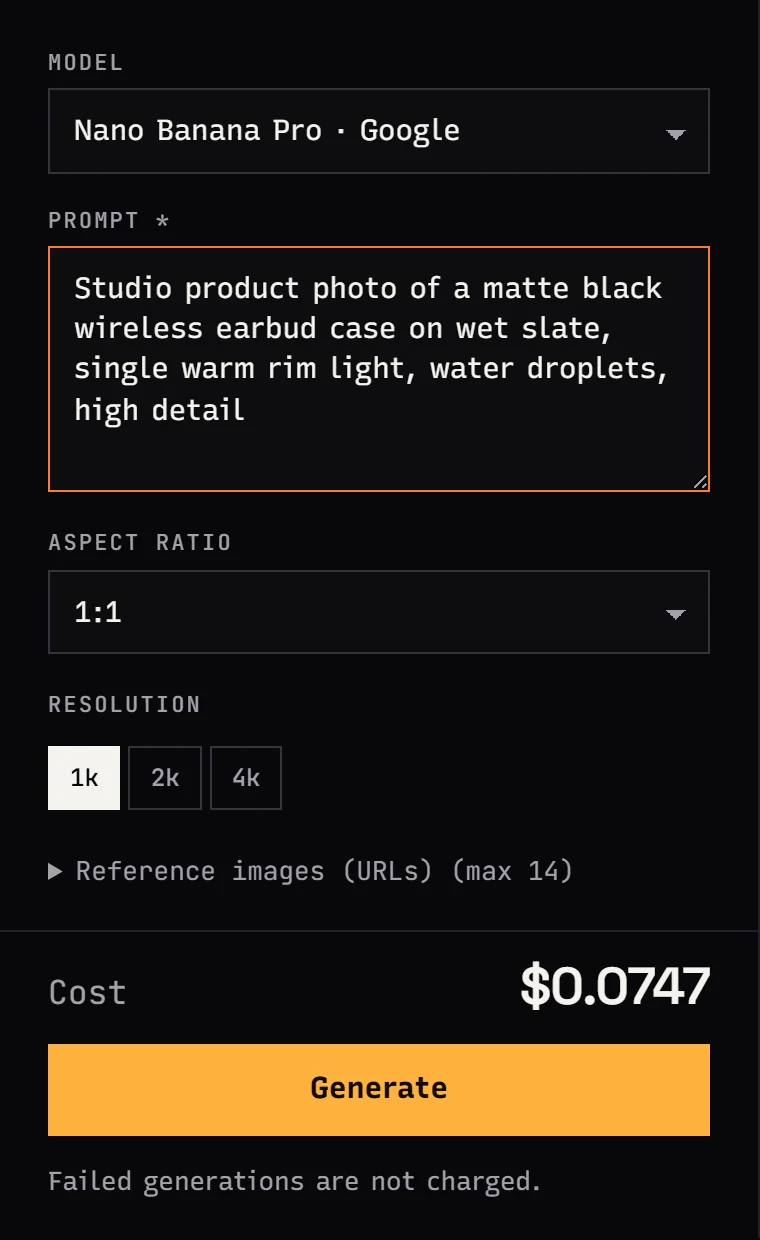
Krea AI combines its own image models (Krea 1, Krea 2), real-time generation and dozens of third-party models in one app, on a subscription measured in compute units. If you mostly use the third-party models and would rather pay per image or clip, you will find the same or comparable models on Jantaris: Nano Banana Pro (from $0.0747 per image), GPT Image 2.5, FLUX.2 [pro], Seedream 5.0 Pro and the budget Z-Image Turbo ($0.02 per image) for images, plus Kling 3.0, Seedance 2.5 and Veo 3.1 (Quality) for video. All of it runs on one prepaid balance that never expires.
How Krea AI works in October 2026
From Krea's official pricing and API pages as of October 2, 2026. Plans and prices change often, so check the current pricing on krea.ai.
- Free plan with a daily allowance of compute units and limited access to tools, no card required.
- Paid plans (including Pro and Max) with a monthly unit allowance. On these plans unused units do not roll over; rollover starts with Business and Enterprise.
- In-house image models Krea 1 and Krea 2, plus real-time models for fast sketching.
- Third-party models. For images: Flux, Nano Banana, ChatGPT, Ideogram, Qwen, Seedream, Wan, Z-Image and more. For video: Kling, Seedance, Veo, Wan, Runway and more.
- Extra tools: image upscaling (to very large sizes on paid plans) and custom LoRA training.
- A separate API, billed per generation and independently from app subscriptions.
Krea is a strong tool if you work visually and iteratively: sketch, adjust in real time, train a style. If that is your workflow, stay with it. A pay-per-file alternative fits other cases.
When a pay-per-file alternative fits better
- Uneven volume. A monthly allowance resets; a Jantaris balance stays on your account with no expiry date.
- A clear price per file. Every model has a rate per image or per second of video, shown before you click Generate.
- Images, video, music and chat on one key. One API key and one balance across all categories.
- You skip Krea-specific features. You do not need real-time mode or LoRA training.
- Failed runs cost nothing. A task that ends in
failedis not charged.
Image models to use instead
| Model | Lab | Strength | References | Price on Jantaris |
|---|---|---|---|---|
| Nano Banana Pro | polished frames, text, 1K-4K | up to 14 | from $0.0747 per image | |
| Nano Banana 2 | speed, 14 aspect ratios, up to 4 images per request | up to 14 | from $0.07 per image | |
| GPT Image 2.5 | OpenAI | follows long prompts, editing from references | up to 16 | $0.0432 per image |
| FLUX.2 [pro] | Black Forest Labs | photorealism, scenes from several photos | up to 8 | from $0.0688 per image |
| FLUX.1 Kontext [pro] | Black Forest Labs | prompt-only edits, no mask | up to 4 | $0.088 per image |
| Seedream 5.0 Pro | ByteDance | typography-heavy posters, layer decomposition | up to 10 | from $0.0783 per image |
| Qwen Image 3.0 | Alibaba | in-image text, negative_prompt | up to 3 | from $0.0576 per image |
| Z-Image Turbo | Alibaba | speed and lowest price, drafts | none | $0.02 per image |
"From" means higher resolutions cost more. Head-to-heads: Nano Banana Pro vs GPT Image 2.5, FLUX.2 Pro vs Nano Banana Pro and Z-Image vs FLUX.2 Pro.
How I pick:
- Z-Image while exploring composition, at a fraction of the price of large models.
- Nano Banana Pro for the final frame, a cover or an ad visual.
- GPT Image 2.5 when the prompt is long and every element must appear.
- FLUX.1 Kontext for quick fixes to a finished image: "change the background to concrete", "add steam above the mug".
- Seedream 5.0 Pro when the image carries a lot of text.
Drafts instead of real-time mode
Krea is known for live generation, where the image updates as you draw. Jantaris does not have a real-time mode. The closest workflow is a fast loop on a cheap model: a few composition variants in Z-Image, then the chosen one in a bigger model.
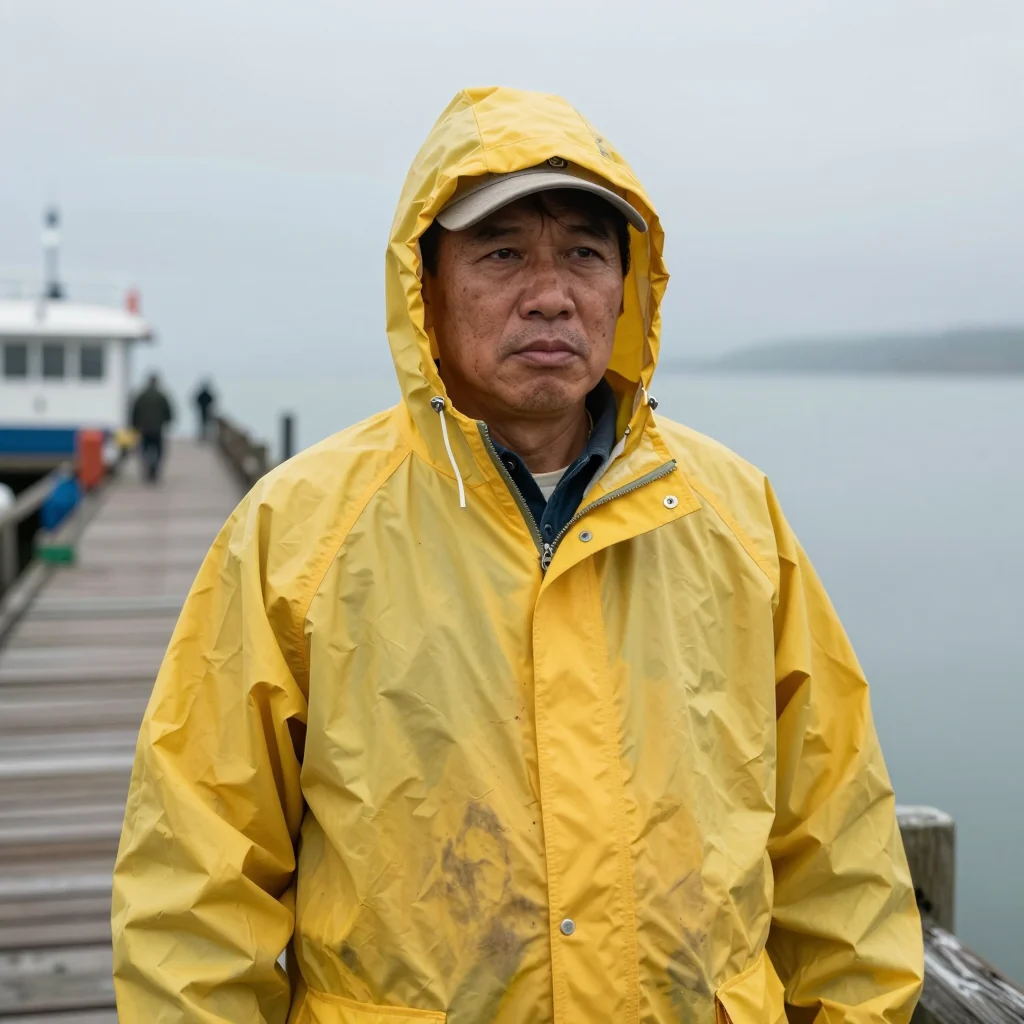
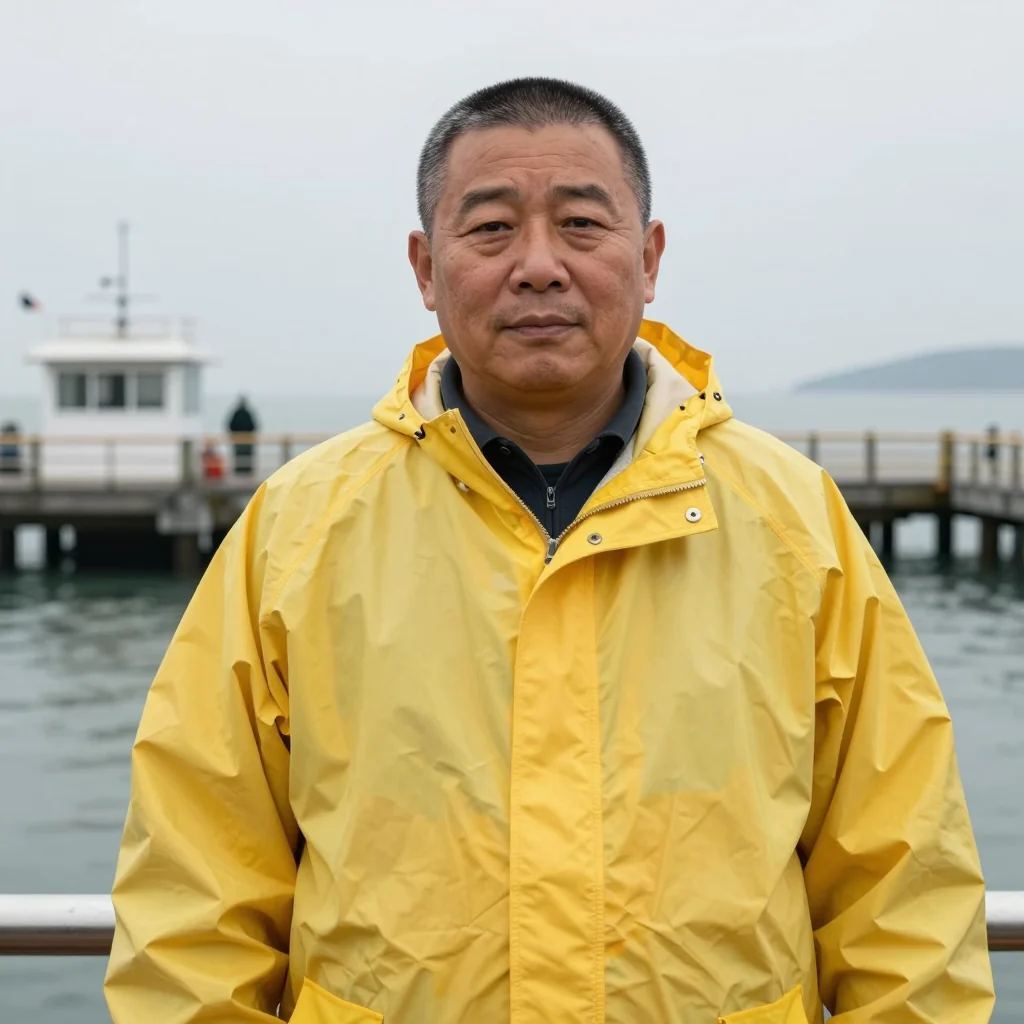
Here are three samples of the same prompt in Z-Image Turbo. I generated them locally on an RTX 4090 at 4-5 seconds each (timing on Jantaris depends on load and may differ):

More on this model in the Z-Image Turbo API guide.
My test: ten models, one shop sign
On September 27, 2026 I gave several image models the same prompts, including a bakery window with the Polish sign "PIEKARNIA ŻÓŁĆ", full of diacritics. One attempt per model, no cherry-picking. Nano Banana Pro had the highest average across the whole ranking (9.0/10), Nano Banana 2 scored 8.6, and FLUX.2 [pro] 7.6 with two letter errors. The full write-up is in GPT Image 2.5 vs Nano Banana Pro vs FLUX.2.

Editing and video
Krea mixes images and video, and you can do the same on Jantaris from one balance. For editing a finished image use FLUX.1 Kontext, or GPT Image 2.5 with the image in image_urls. For video there is Kling 3.0 (from $0.169 per second), Seedance 2.5 (from $0.261 per second), Veo 3.1 (Quality), Wan 3.0 and MiniMax H3, and for improving a finished clip Topaz Video Upscaler or Enhance Video 1.0. There is no still-image upscaler on Jantaris; pick a higher output resolution instead, such as 4K in Nano Banana Pro.

Wan 3.0 also turns a product image into a video, for example a vertical lip gloss swatch:
The full photo-to-clip workflow is in the image-to-video guide.
Moving your work over from Krea AI
- Bring prompts, not settings. A scene description works in any model; app sliders and presets become words: technique, light, lens and palette.
- Swap custom LoRAs for references. Instead of training a style, attach 3-5 example images in
image_urlsand say what to keep: the character, the palette or the composition. - Draft cheap, finish premium. I test composition in Z-Image and render the final frame in Nano Banana Pro or GPT Image 2.5.
- Download right away. Result links are valid for a limited time; your history stays in Studio.
More prompt technique is in the AI image prompt guide.
What it costs
No subscription and no units on Jantaris. Top up from $10 and pay for each generated file. A sample month on a design project:
| Item | Calculation |
|---|---|
| 200 drafts in Z-Image | 200 × $0.02 per image |
| 40 final images in Nano Banana Pro | 40 × from $0.0747 per image |
| 20 edits in FLUX.1 Kontext | 20 × $0.088 per image |
| 5 Kling 3.0 clips, 5 s each | 25 × from $0.169 per second |
| failed generations | $0 |
A subscription is a flat fee for a unit allowance; a balance is charged per file. Which comes out cheaper depends on your monthly volume. All rates are on the pricing page.
An image over the API
With ?wait=60 the server holds the request until the image is ready and returns it in the same response:
curl "https://jantaris.com/v1/generate?wait=60" \
  -H "Authorization: Bearer $JANTARIS_API_KEY" \
  -H "Content-Type: application/json" \
  -d '{
    "model": "z-image",
    "input": {
      "prompt": "Macro product photo of a raw Baltic amber pendant with a tiny insect inclusion on dark wet slate, warm backlight, shallow depth of field",
      "aspect_ratio": "16:9"
    }
  }'
Once a draft works, switch model to nano-banana-pro and add "resolution": "4k". A Python script that saves the files is in generate images with Python, and every parameter is in the generate docs.
FAQ
What is the best Krea AI alternative?
It depends on what you use Krea for. For images I pick Nano Banana Pro and GPT Image 2.5, Z-Image for drafts, FLUX.1 Kontext for edits, and Kling 3.0, Seedance 2.5 or Veo 3.1 for video. All share one balance on Jantaris.
Is Krea 2 available on Jantaris?
No. Krea 1 and Krea 2 are Krea's own models. Jantaris offers models from Google, OpenAI, Black Forest Labs, ByteDance and Alibaba.
Does Jantaris have real-time generation?
No. Each image is a separate task. For fast iteration I use Z-Image, the cheapest image model in the catalog.
Is there a free Krea AI alternative?
Jantaris has no free plan or signup credits; the minimum top-up is $10. Z-Image has open weights you can run locally on a strong GPU, which is how the drafts in this post were made.
Does the Jantaris balance expire like plan units?
No. The balance never expires, with no subscription and no minimum commitment. Failed generations cost $0.
Can I train a custom LoRA on Jantaris?
No. For a consistent style or character use reference images (image_urls), up to 14 in Nano Banana Pro. Methods are covered in consistent characters in AI video.


